Details
-
Type:
Task
-
Status: Closed (View Workflow)
-
Priority:
 Minor
Minor
-
Resolution: Done
-
Affects Version/s: None
-
Fix Version/s: 10.1.0
-
Labels:None
-
Story Points:1
-
Epic Link:
-
Sprint:Spring 4, Spring 9, Spring 10
Description
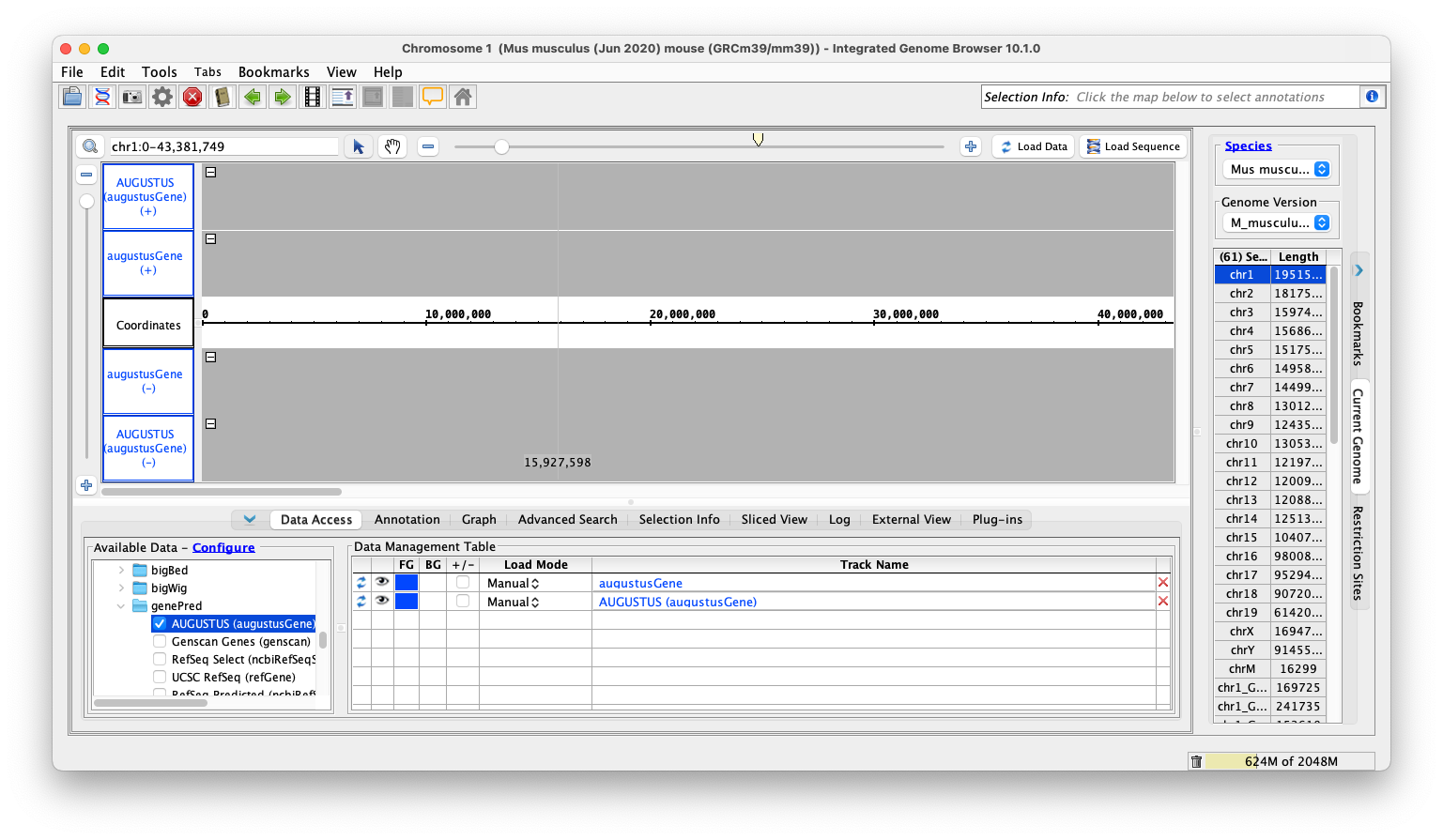
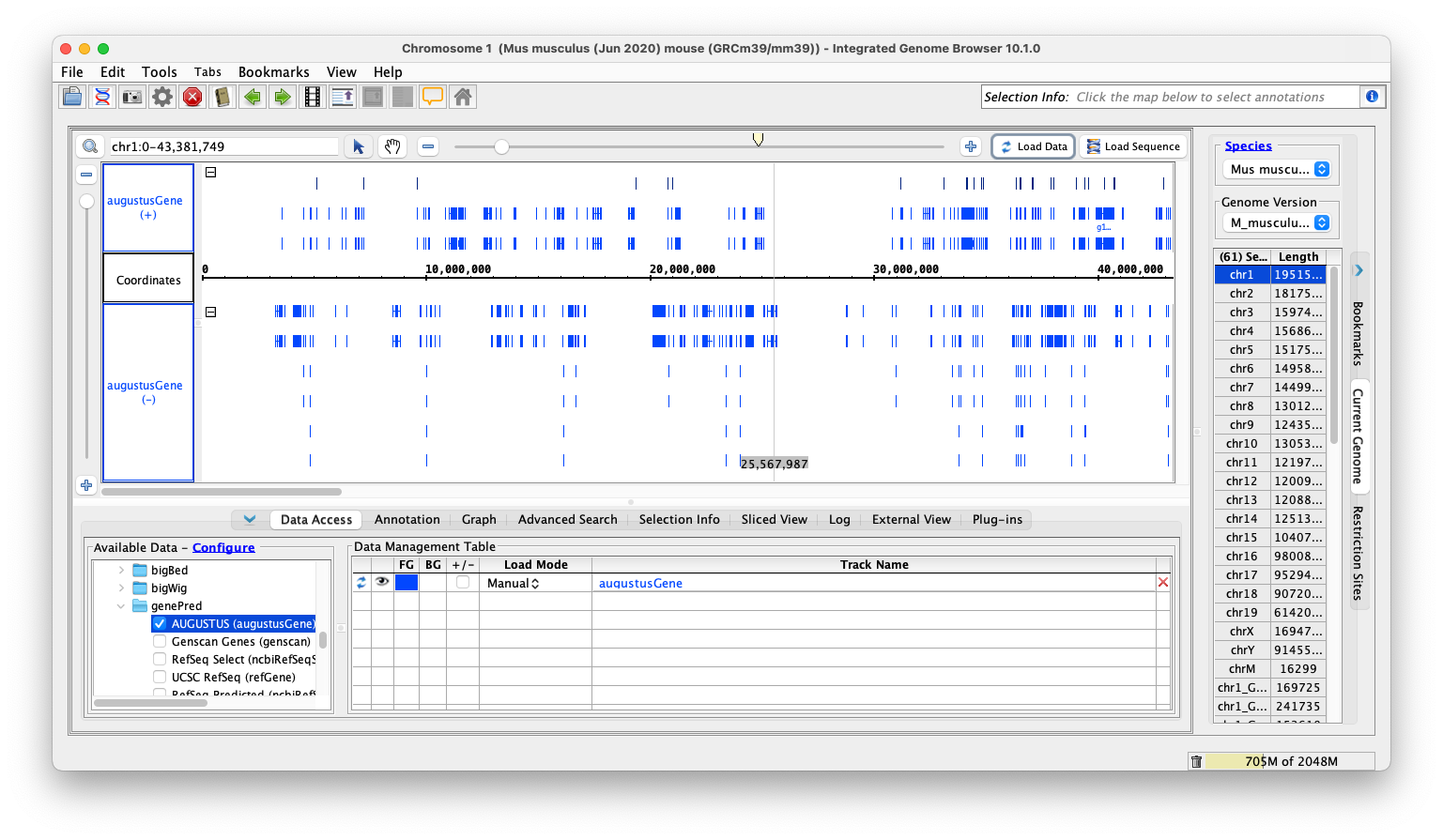
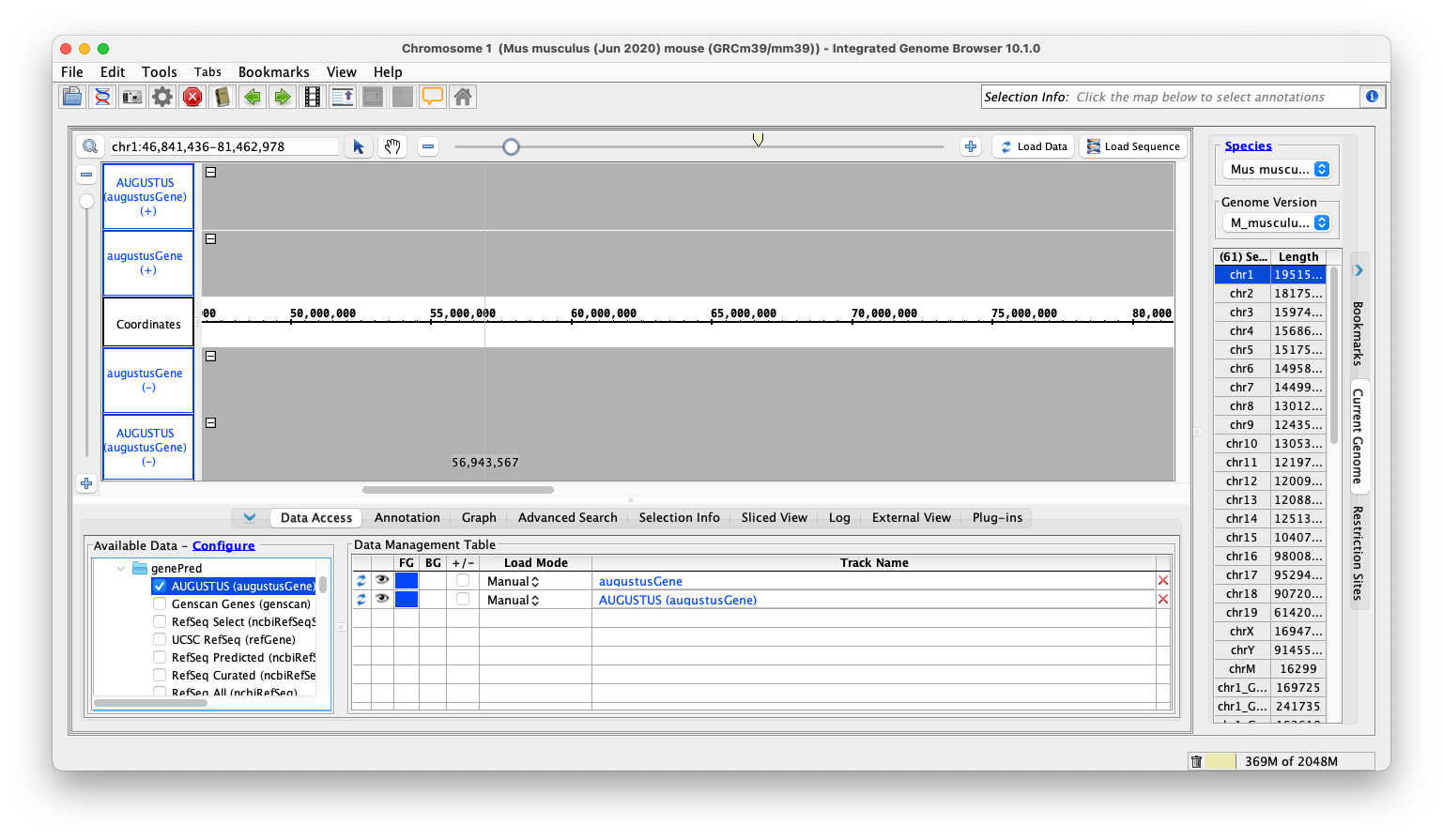
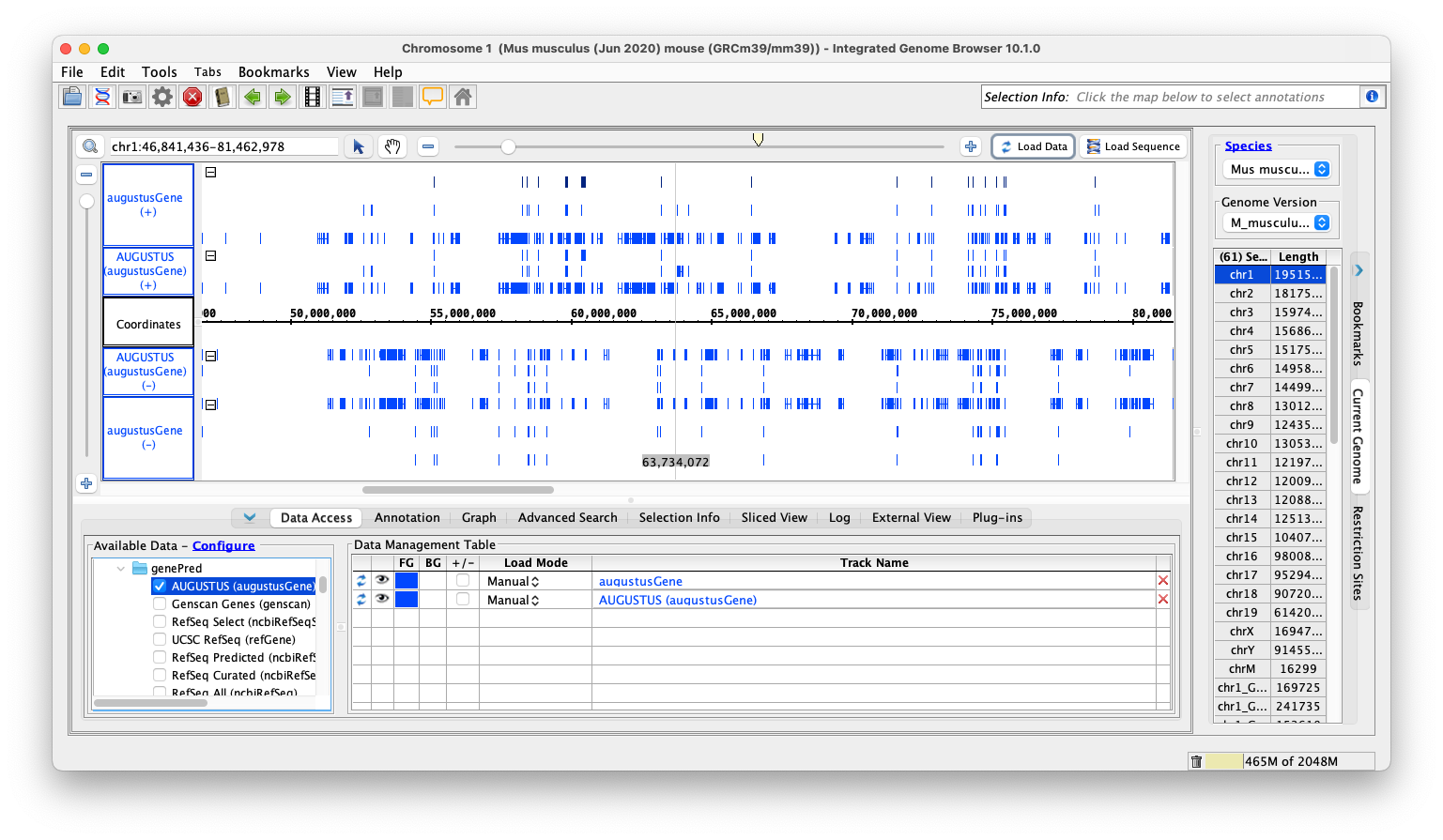
Situation - While testing IGBF-3528 we discovered that when the same UCSC REST or UCSC DAS track (for example, refGene) was loaded in two different genomes, the track would disappear.
Task: Investigate this issue and propose a fix if possible.
Note: This issue appears in 9.1.10 when loading UCSC DAS data as well as with the recent implementation of UCSC REST.
To reproduce the issue:
- Select the mouse genome.
- Select Available Data > UCSC (DAS) > refGene
- Click Load Data
- Change to the human genome.
- Select Available Data > UCSC (DAS) > refGene
- Click Load Data
- Go back to the mouse genome
- The refGene added from UCSC should be missing from the Data Management Table. The data should still be present as a track, but grayed out as if it had not been loaded.
Attachments
Issue Links
- relates to
-
IGBF-3528 Implement logic to load data for genePred file type
-

- Closed
-