Details
-
Type:
Task
-
Status: To-Do (View Workflow)
-
Priority:
 Major
Major
-
Resolution: Unresolved
-
Affects Version/s: None
-
Fix Version/s: None
-
Labels:None
-
Story Points:4
-
Epic Link:
-
Sprint:Winter 1, Spring 1, Spring 2
Description
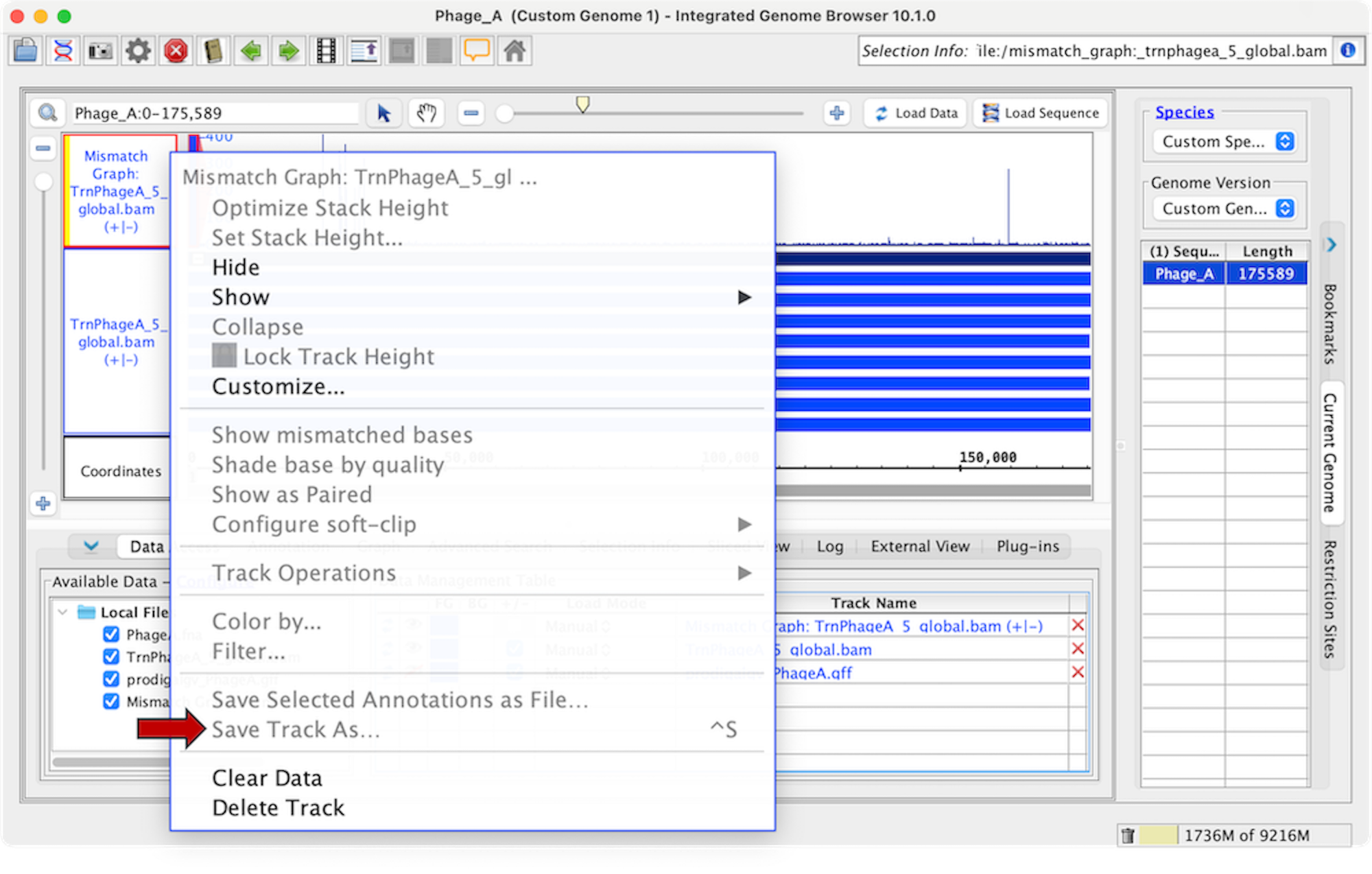
Situation: IGB has the ability to export tracks to a file on the user's computer. To do this, a user would right-click on the track label of the track they'd like to save and click Save Track As.... We've discovered a case where this option isn't available yet it should be, and that is in the case of exporting mismatch graphs.
Below is a step-by-step guide for creating a mismatch graph and attempting to export it:
- Start IGB
- Open the A_thaliana_Jun_2009 genome
- In the Available Data section, open the following file: RNA-Seq > Auxin arf19 > Reads > arf19-4 IAA alignments
- Navigate to Chr5:7,866,559-7,870,566
- Click Load Data
- Right-click on the "arf19-4 IAA alignments" track label
- Click Track Operations > Mismatch Graph
- Right-click on the "Mismatch Graph: arf19-4 IAA alignments (+|-)" track label
- See that the option to Save Track As... is grayed out.
Task: Investigate exporting mismatch graph tracks.
Attachments
Activity
- Data file formats can be found in - https://genome.ucsc.edu/FAQ/FAQformat.html
- Enabled save track as option, which on click exports mismatched graph in bedgraph format.
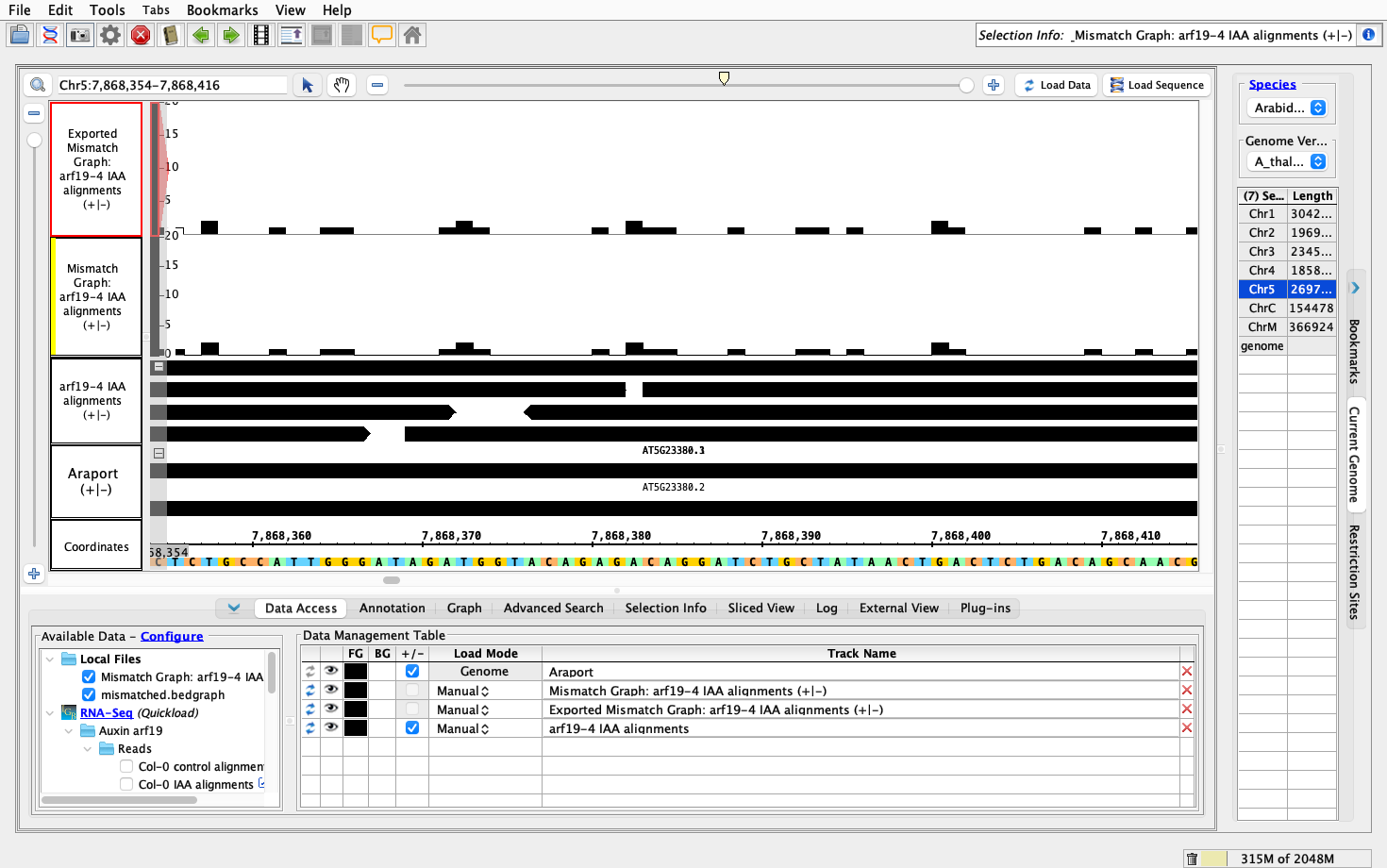
- Loaded exported local file by opening it in track and compared it with mismatched graph in track, verified that it exactly matches as shown in attached screenshot.

Worked Branch - https://bitbucket.org/lorainelab-deepthi/integrated-genome-browser/branch/IGBF-4013
Reviewing Deepthi's branch on Mac.
Able to save a mismatch graph as a bedgraph.
Some changes I would like:
I would be curious to see/understand the logic for how the depthGraph files are being exported by IGB.