Details
-
Type:
Documentation
-
Status: Closed (View Workflow)
-
Priority:
 Major
Major
-
Resolution: Done
-
Affects Version/s: None
-
Fix Version/s: None
-
Labels:None
-
Story Points:1
-
Epic Link:
-
Sprint:Summer 1, Summer 2, Summer 3
Description
In the most recent IGB workshop, a participant asked if they could view two genomes at once in IGB.
In the News section on the BioViz Web site (see: https://bioviz.org/news.html) we wrote:
Q: Can I load two genomes at once in IGB?
A: IGB does not support viewing two genomes at once. However, you can get around this by opening another IGB window to view a second genome. Contact us if you need help.
I think that if you run IGB "from the command line," you can launch more than one IGB process and get one IGB window per process.
For this task, check into whether we already have documentation about this in our user's guide.
If we do not, then create documentation explaining how to do this, and provide a link of some type from the News item to the User's Guide.
Attachments
Issue Links
- relates to
-
IGBF-4185 Add BiAS Workshop to IGB News
-

- Closed
-
Activity
Another way:
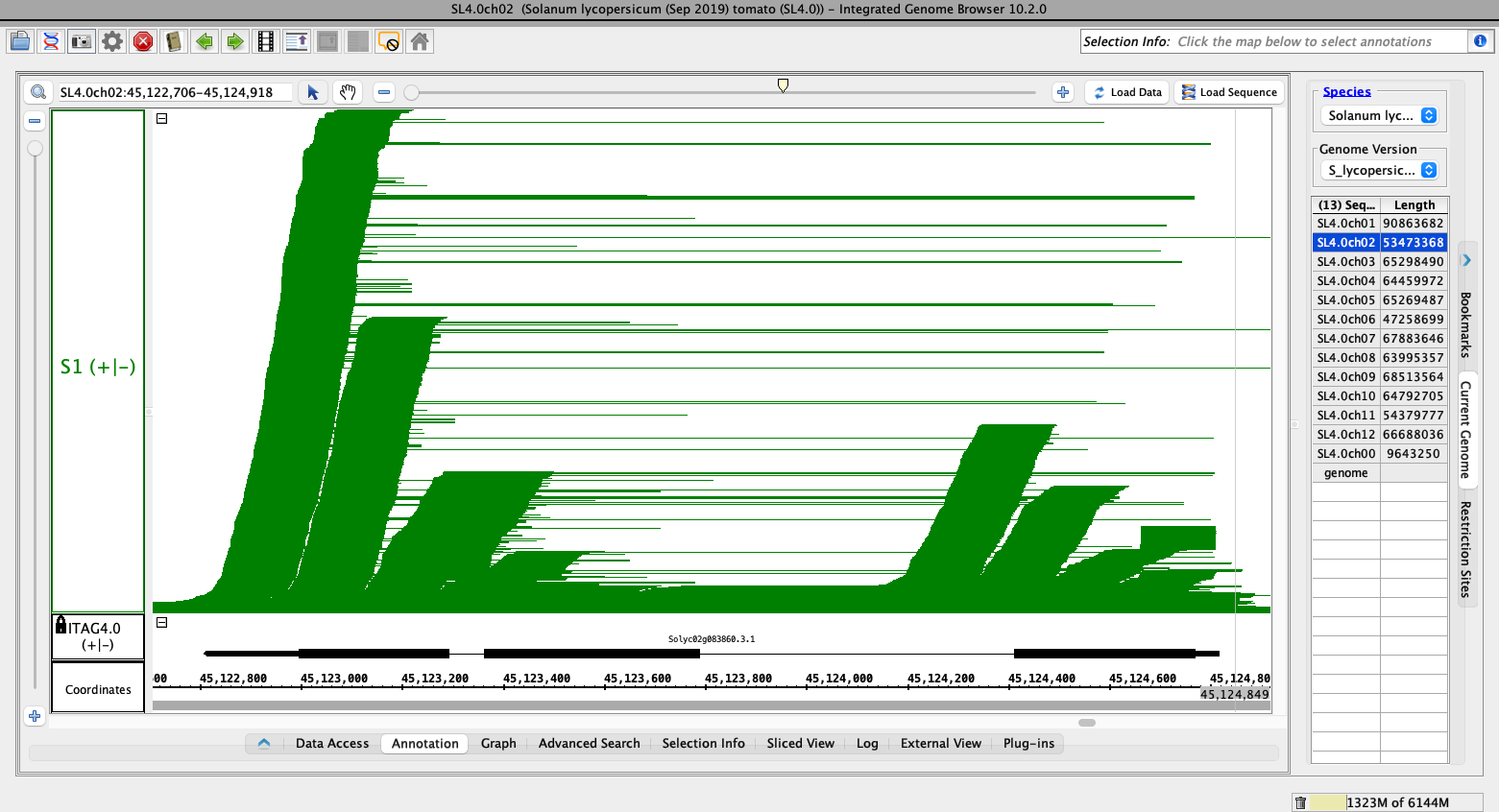
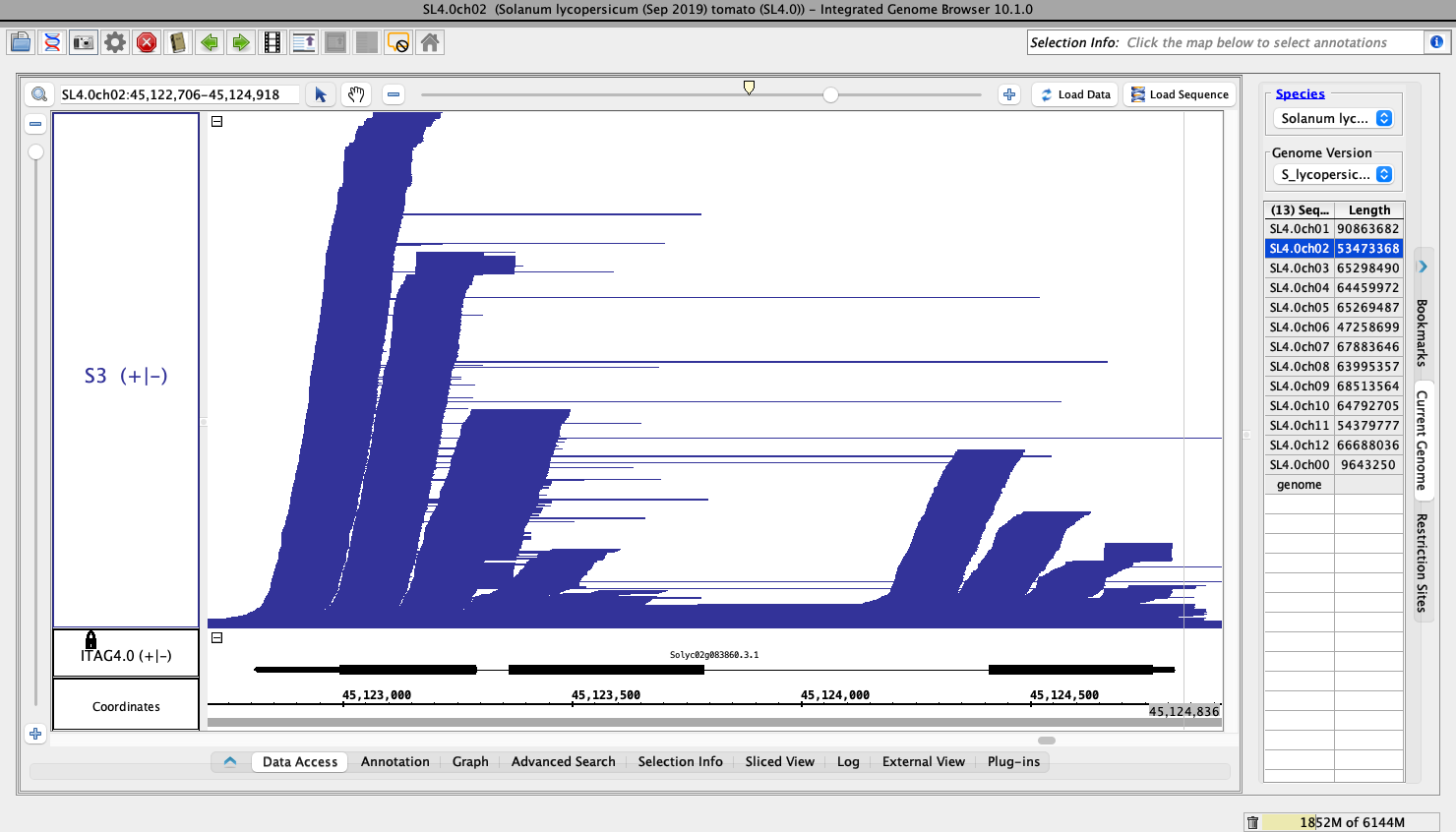
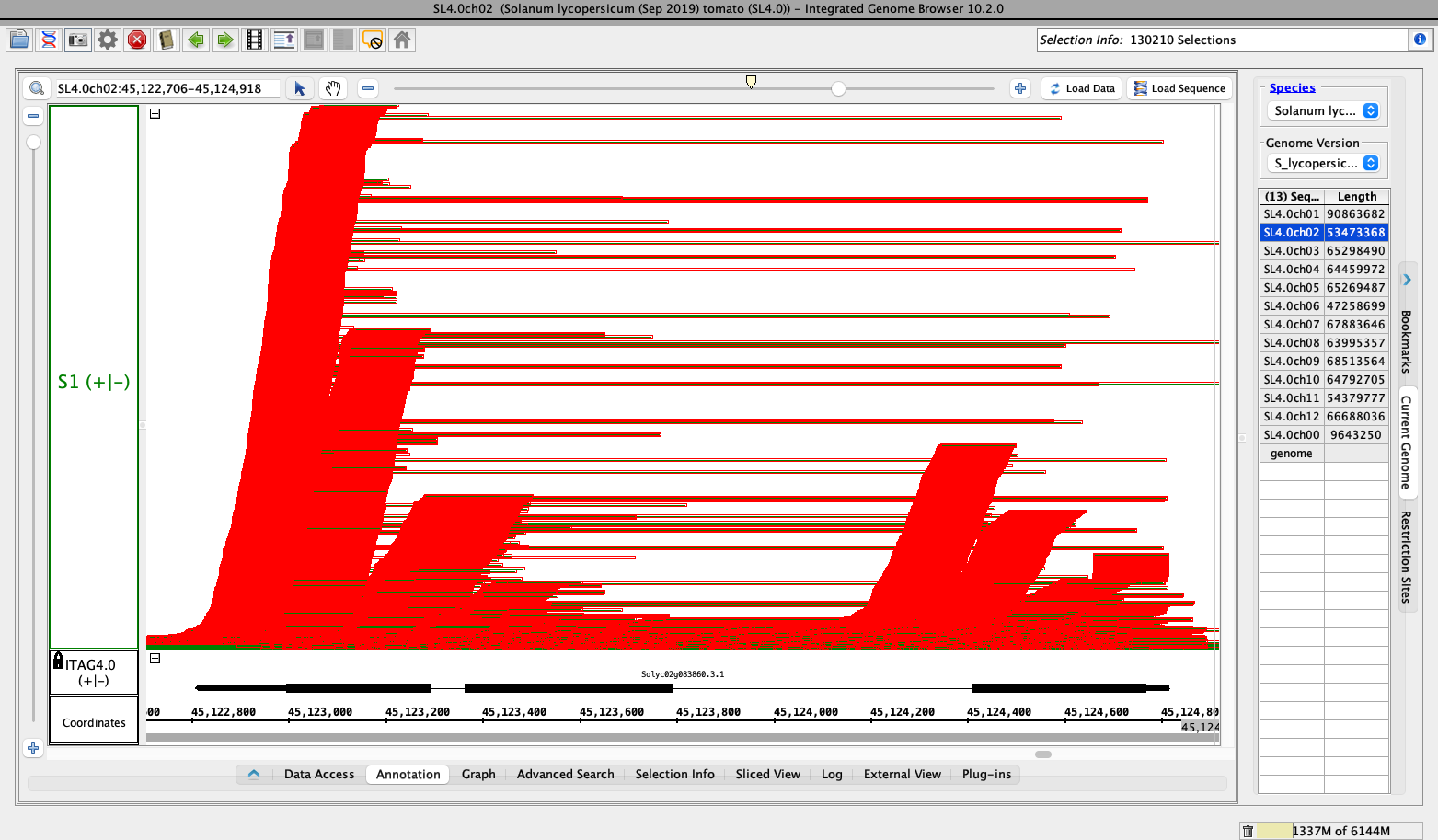
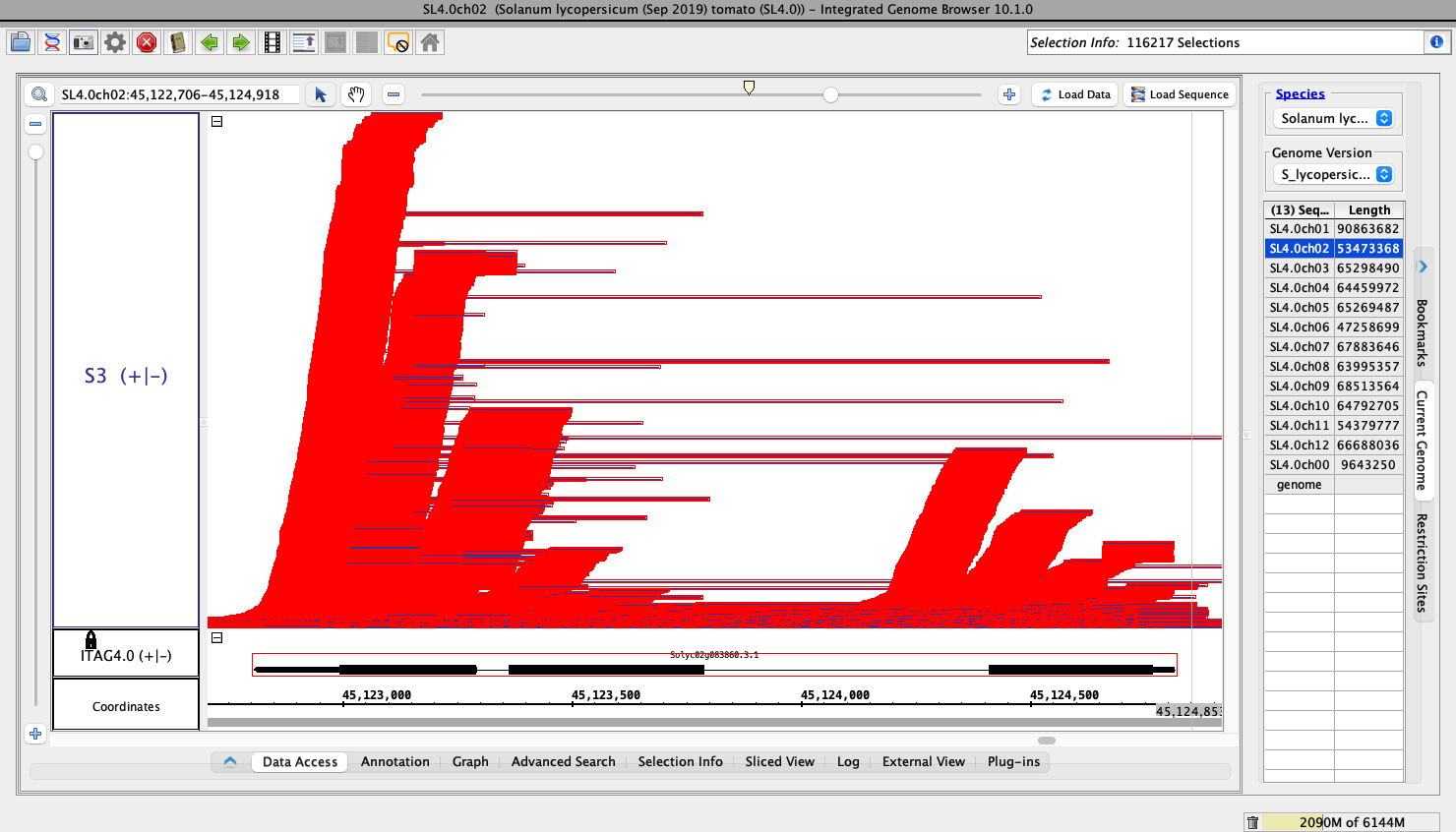
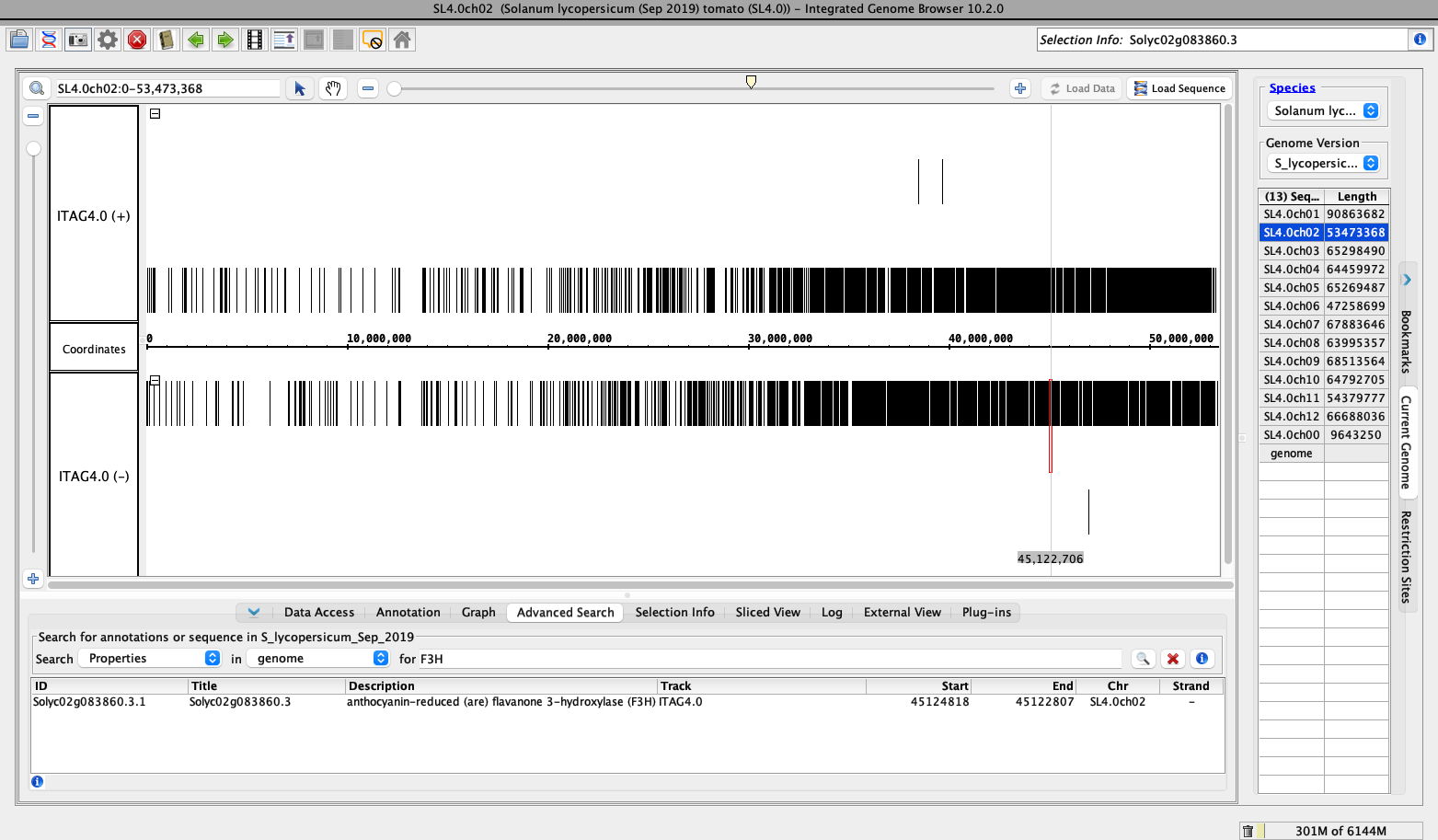
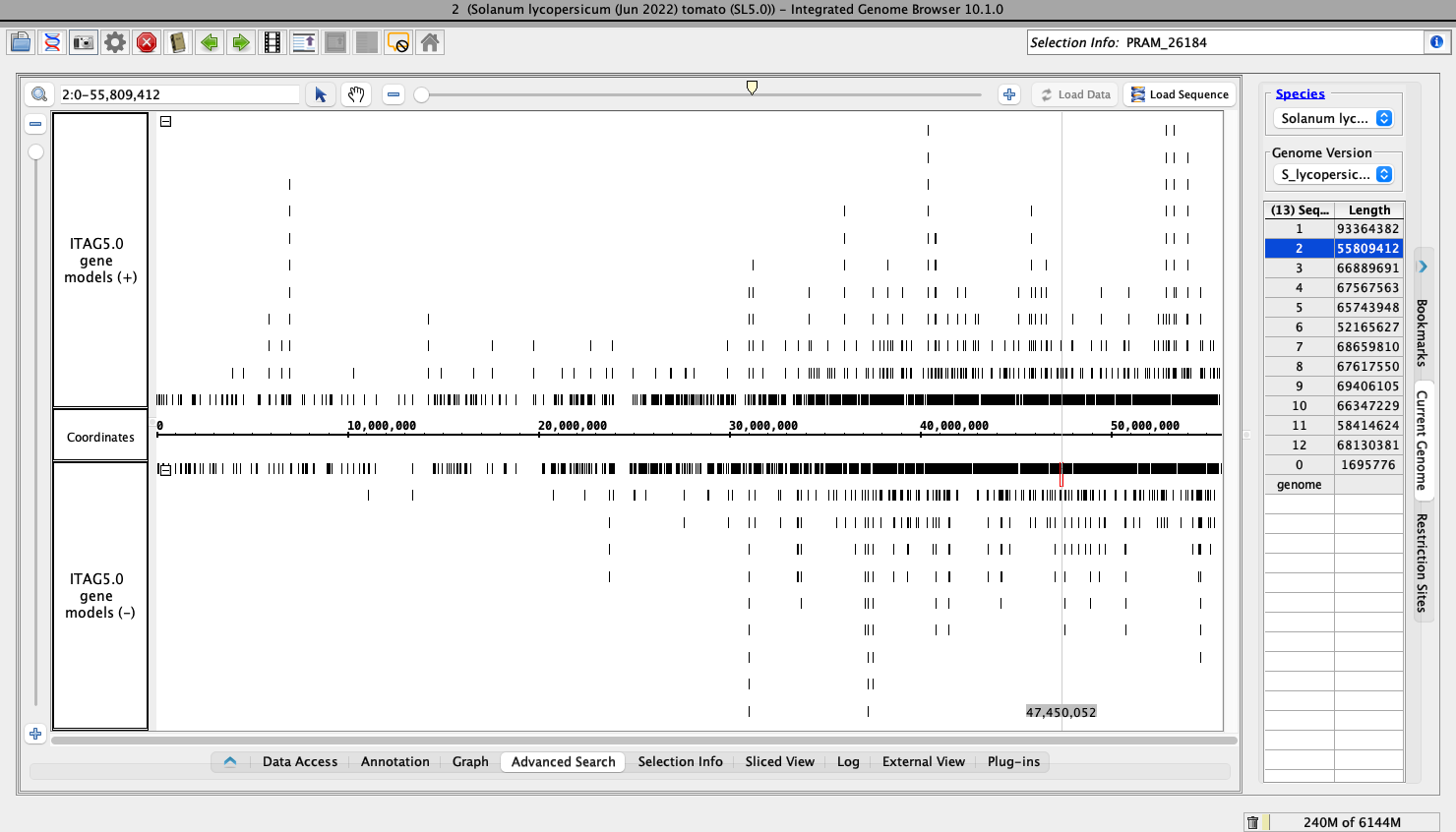
If you install two IGB's onto your computer, you can run them both at the same time. For example, I have IGB 10.1.0 (latest tested release) installed on my machine, in a folder named "Integrated Genome Browser". I also have IGB 10.2.0 (early access release) installed in a different folder. I can start the IGB that's in the Integrated Genome Browser folder (the IGB installer defauult) and then, I can start the IGB that's in the other folder. That lets me use both applications at the same time.
I added information about installing two IGB's at once to the News section. This is probably enough for now.
I've updated the Command Line Arguments page in the User's Guide to include mention of opening multiple IGB windows. I've also updated the code on this page because it was not working with IGB JAR files.
Ready for review! If the changes look good, I will go ahead and add a link to this page to the News item.