Details
-
Type:
Task
-
Status: Closed (View Workflow)
-
Priority:
 Blocker
-
Resolution: Done
-
Affects Version/s: None
-
Fix Version/s: 10.2.0
-
Labels:None
-
Story Points:2
-
Epic Link:
-
Sprint:Summer 2, Summer 3, Summer 4
Description
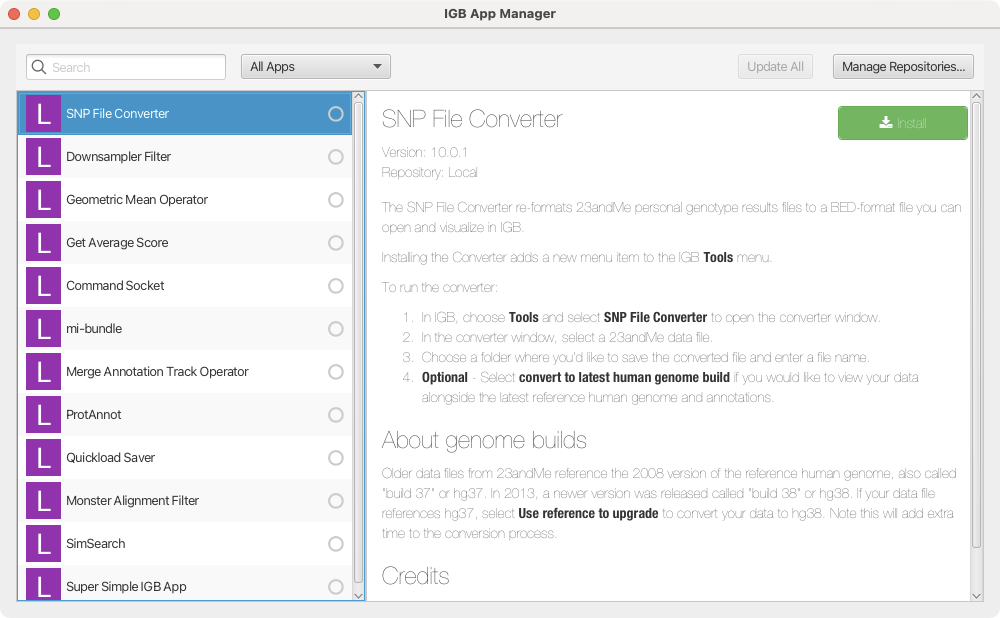
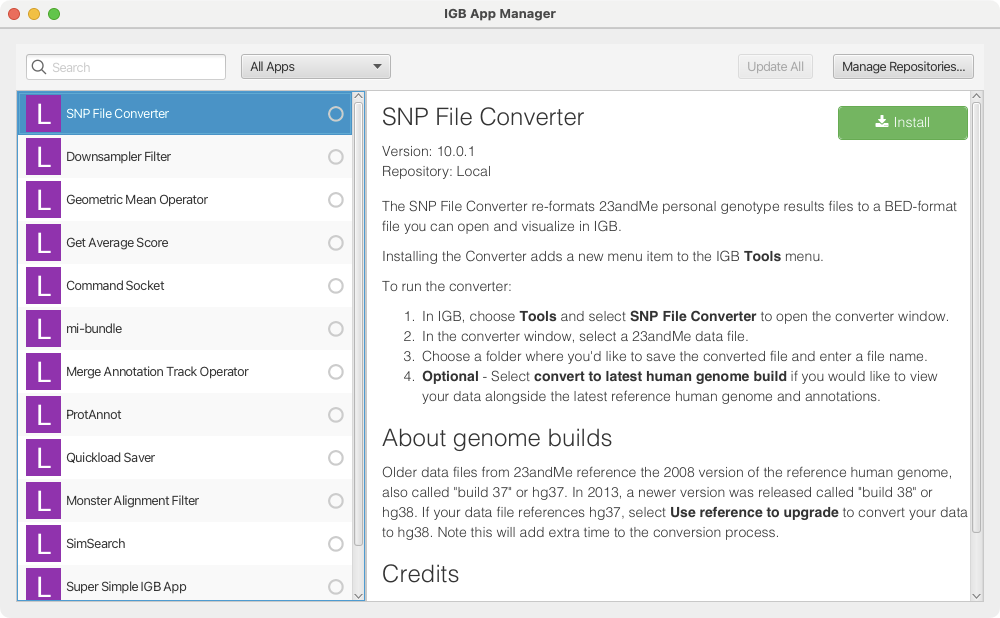
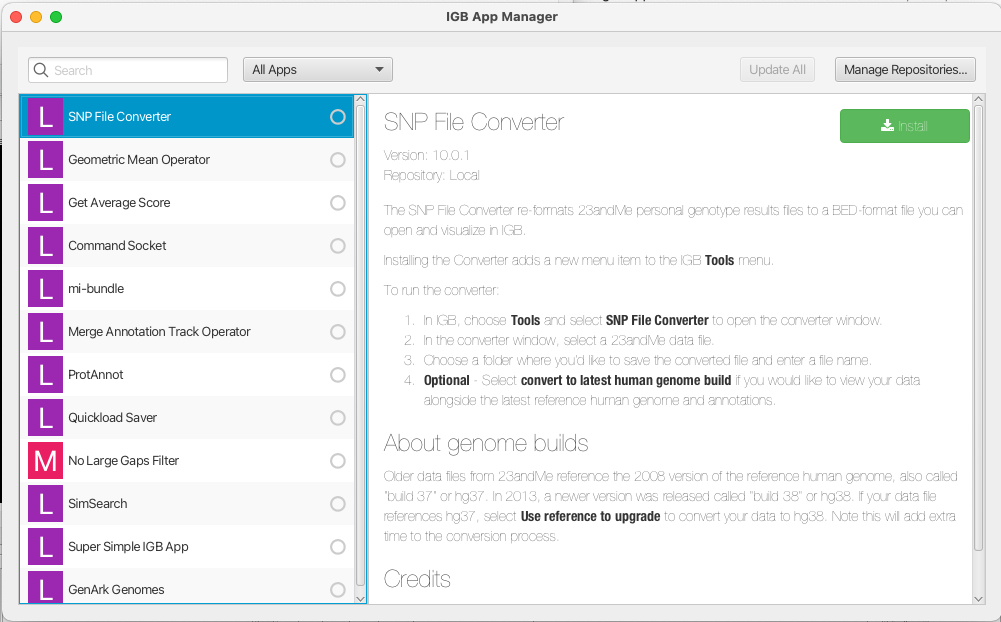
When a user opens the IGB Manager and selects an App in the left-side panel, the user should see a description of the App. Currently, the text is light gray and is hard to read.
[~ann.loraine] and saideepthi jagarapu both observed the same issue on their computers.
[~ann.loraine]'s machine is an Apple M3 running Sonoma 14.3.
For this task:
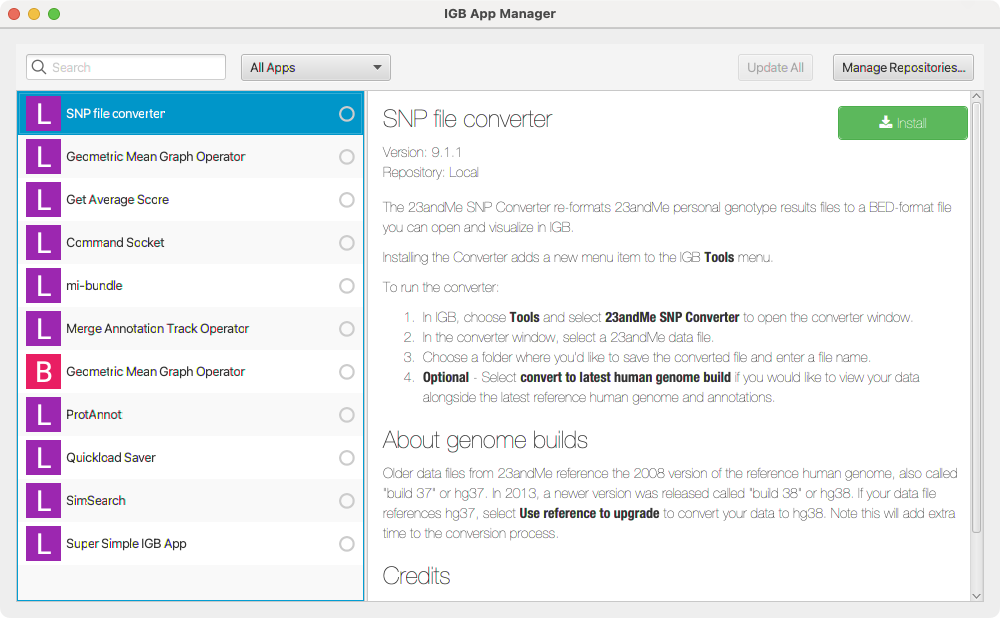
- Check older versions of IGB to determine when this bug appears - check version 10.0.0 and then versions 9 and below
- Investigate if the same issue appears on other OS and chip types? (It might be platform-specific.)
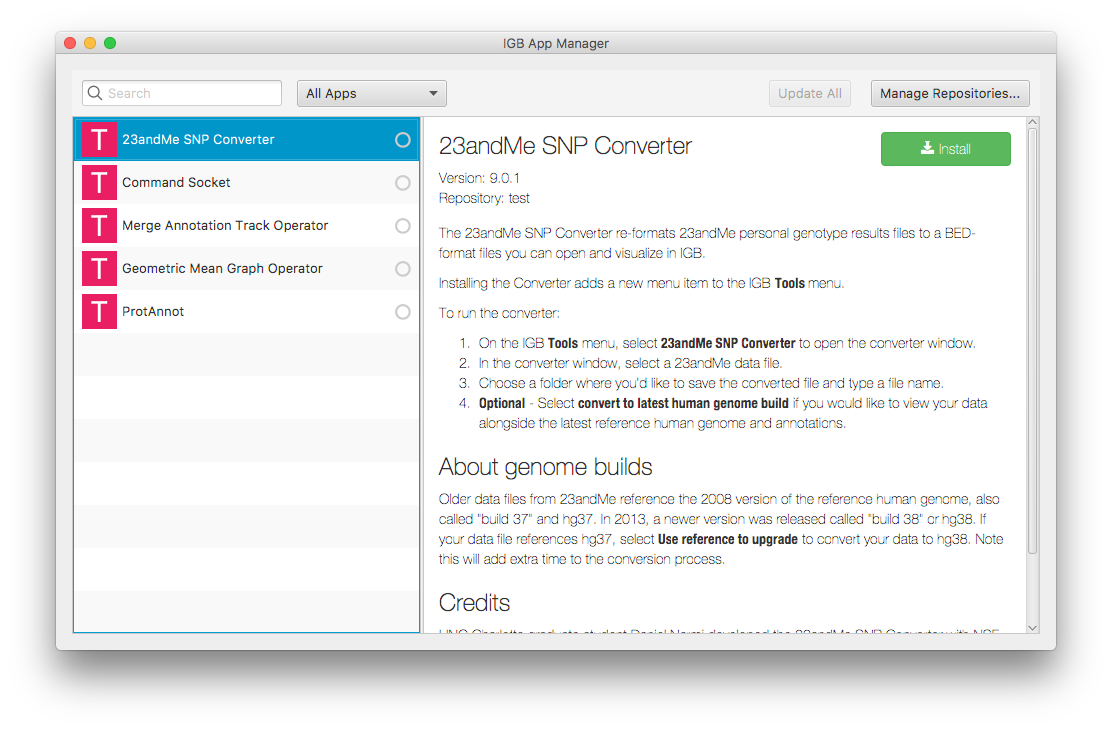
- Also, please investigate how this error escaped our testing process! (It might be platform specific.) Look at the testing we did for App Manager. See: https://wiki.bioviz.org/confluence/display/ITD/10.0.0
See attached screen capture showing an image created in 2018 that appears in the smoke testing guide. Compare that to the same view from the App Manager window shown in IGB 10.2.0. Notice how the text is hard to read in the current App Manager but not the older version from 2018.
Relevant User's Guide page;
https://wiki.bioviz.org/confluence/display/ITD/App+Manager and https://wiki.bioviz.org/confluence/display/ITD/App+Manager