Details
-
Type:
Improvement
-
Status: Closed (View Workflow)
-
Priority:
 Major
Major
-
Resolution: Done
-
Affects Version/s: None
-
Fix Version/s: 9.0.1 Minor Release
-
Labels:None
-
Story Points:2
-
Epic Link:
-
Sprint:Fall 2017
Description
Combining two graph tracks is really ideal for visualizing the chip seq data with the IP sample against the input sample as a backdrop. Once I've joined two tacks in IGB, the new track has the name "Joined Graphs". There does not seem to be any way to change the track name shown for the new joined track. Since I have a joined track for each sample, it is important that I be able to distinguish them in figures.
Thanks
Attachments
Issue Links

Activity
I submitted the pull request.
This issue has passed the 2nd-Level Review.
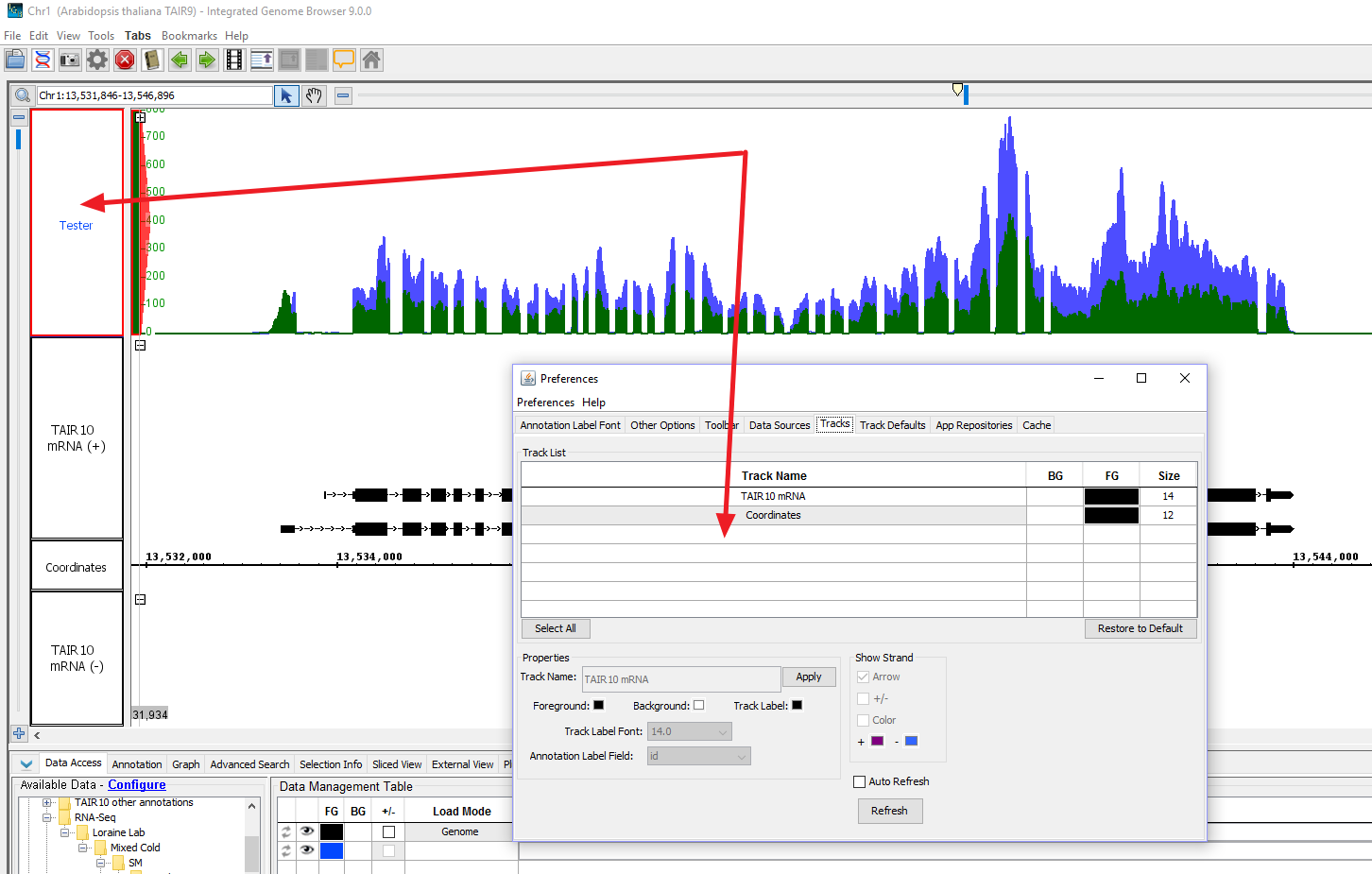
Joined graphs can now be renamed and the changes appear in the Data Management Table, as expected, even when changing to a different chromosome.I could not find a way to break this feature and did not notice any other side effects related to this change, so I am moving this issue to the Ready For Pull Request column and re-assigning the story to Ivory.
On a side note, I created IGBF-1168 (Add Joined Graphs to Tracks Tab of IGB Preferences) so we can track this issue as a separate bug.
Done with first level review.
Code changes look good. One can now rename the joined graphs. Also, an entry is made for it in the data management table. As this joined graph entry is made using only style attributes and there is no DataSet corresponding to it, we do not have the "refresh", "change load mode" and "delete" options working for this entry.
Issue is ready for second level review.
I made the changes that Ann and I talked about (see last comment).
I used rebase --interactive so the changes are woven into the existing commits, as if I had done it perfectly the first time.
This was added hassle on my end (more than I expected), but I think its worth it for how it makes the documentation so much easier to follow for the main project.
I rebased from main master (24 May 2017 up through commit 937399... )
I tested it on my machine, still good.
I did a push --force to update my remote branch, erasing all of the code comments that we had made on Bitbucket.
I'm moving it to 'needs 1st level review'.
This looks like a good place for Ivory to get started with IGB code.
After testing, it seems this issue is now resolved. Joined graphs can now be renamed and the changes appear in the Data Management Table, as expected, even when changing to a different chromosome (unless the data has not been loaded for the joined graph on that chromosome, but this is the current behavior on the live branch as well, so it is not related to this change). I could not find a way to break this feature and did not notice any other side effects related to this change. Since this story is resolved, it will now be closed.