Details
-
Type:
Task
-
Status: Closed (View Workflow)
-
Priority:
 Major
Major
-
Resolution: Done
-
Affects Version/s: None
-
Fix Version/s: None
-
Labels:
-
Story Points:2
-
Epic Link:
-
Sprint:Fall 7 : 11 Nov to 22 Nov, Fall 8 : 25 Nov to 6 Dec, Fall 9 : 9 Dec to 20 Dec, Spring 2 : 20 Jan to 31 Jan, Spring 3 : 3 Feb to 14 Feb, Summer 6: 17 Aug - 28 Aug, Summer 7: 31 Aug - 11 Sep, Fall 1: 14 Sep - 25 Sep, Winter 5 Feb 22 - Mar 5, Winter 6 Mar 8 - Mar 19, Spring 1 2021 Mar 22 - Apr 2, Summer 2 2023 May 29, Summer 3 2023 June 12, Fall 4 2023 Oct 16, Fall 5, Fall 6, Spring 5, Fall 5, Fall 6, Fall 7, Winter 1, Spring 1
Description
IGB runs with an OSGi framework, so it's important to understand OSGi and how it works.
To get familiar with OSGi, read "OSGi in Action" Chapters 1 to 3. Updated companion code for the text is here: https://bitbucket.org/lorainelab/osgi-in-action/src/master/
To solidify your understanding, do one of the hands-on tasks below. Or, if you like, come up with your own idea for a deliverable that helps you – and others! – understand how OSGi bundles can form a modular application in Java.
One you have done that, you should continuing reading the remaining chapters on your own time. Aim to finish by the end of your first semester on the team, or by the end of the first semester break after you join the team. Your ultimate goal: Become an expert on OSGi so that you can develop new aspects of the IGB API and help others do the same.
Task suggestions:
- Create a new shape implementation for the drawing program described above. Use the shell program from Chapter 3 to dynamically load and unload it. Submit a pull request to the bitbucket repository (see below).
- Investigate the karaf OSGi container. Run the program from Chapter 3 in the karaf shell instead of the shell from Chapter 3. Create instructions for how to do that. Here's a short tutorial to get you started: https://www.javaindeed.com/playing-with-apache-karaf-console/
- Look into how IGB application uses the felix OSGi framework. Create a flow diagram showing how launching IGB starts and manages the OSGi container.
- Review the "core" modules in IGB and make a list of each package exported from same.
See IGBF-3358 for additional tutorials on OSGI.
Attachments

Issue Links
Activity
1. I have gone through chapters of osgi-in-action.
2. Setup the necessary libraries sdkman, java 8, ant, karaf to run this repo.
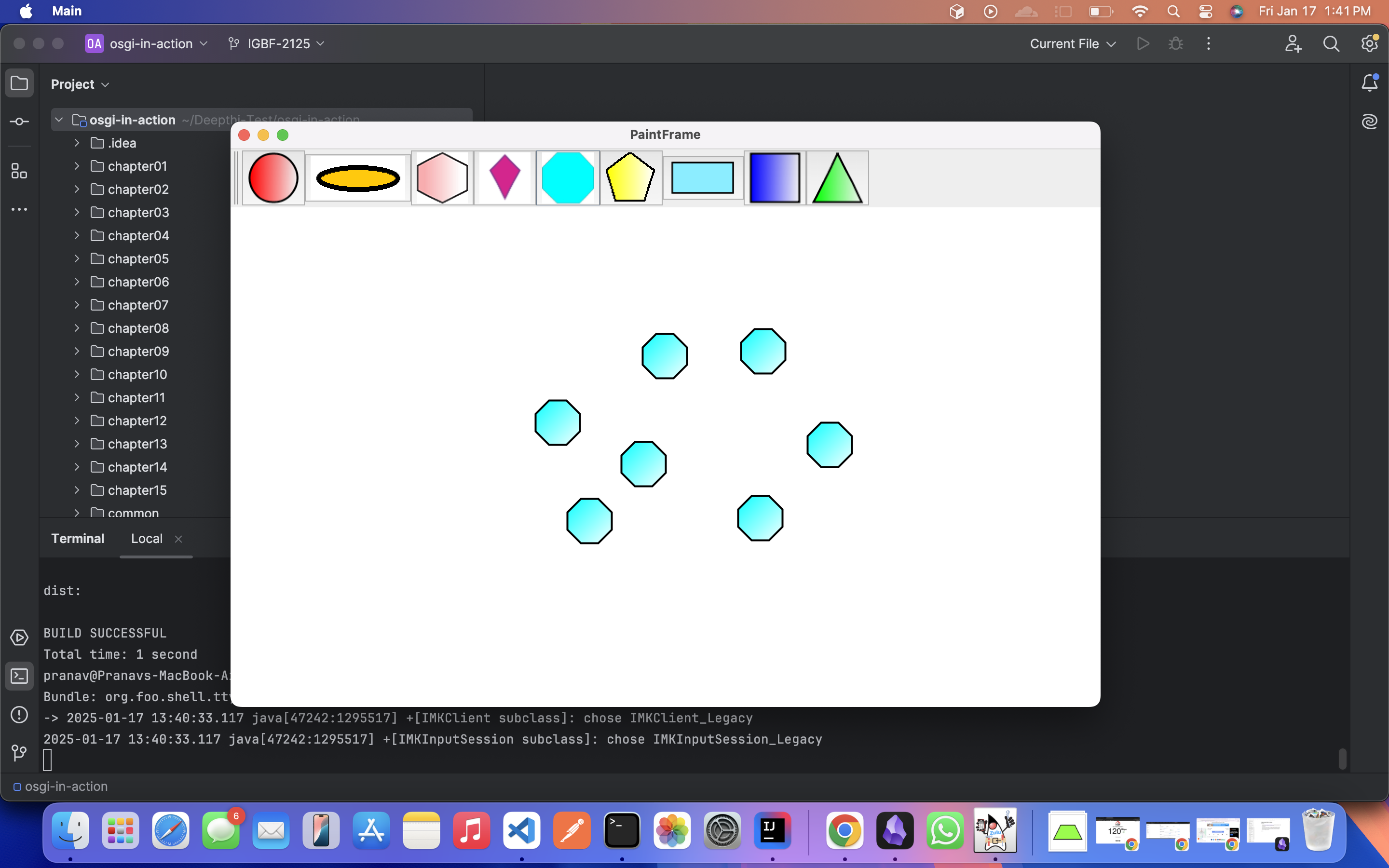
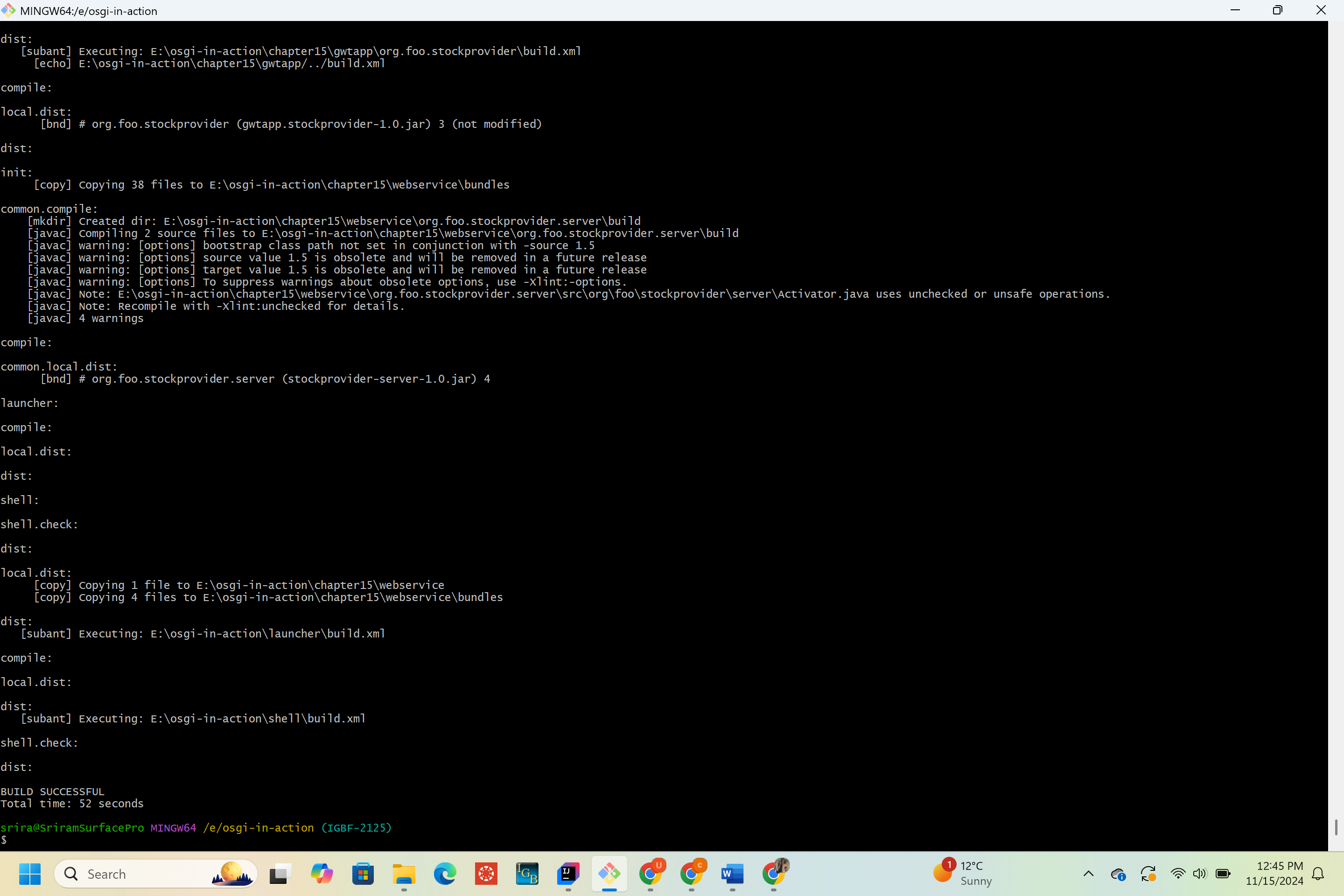
3. Implemented new Octagon shape in Paint frame, ant build is successful, auto deployed the bundles using Karaf shell.
Worked Branch - https://bitbucket.org/lorainelab-deepthi/osgi-in-action/src/IGBF-2125/
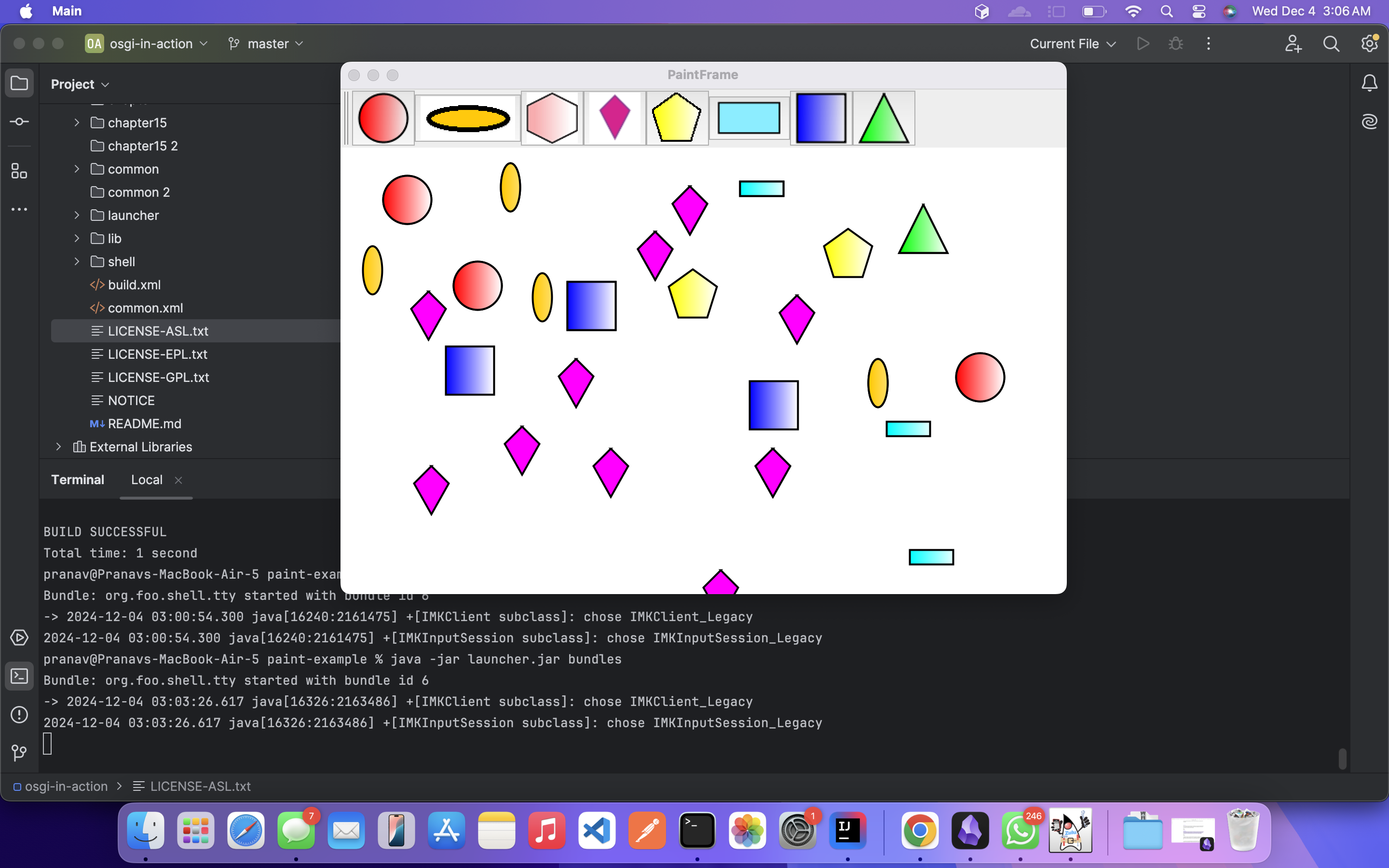
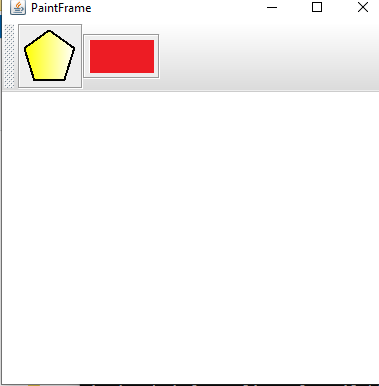
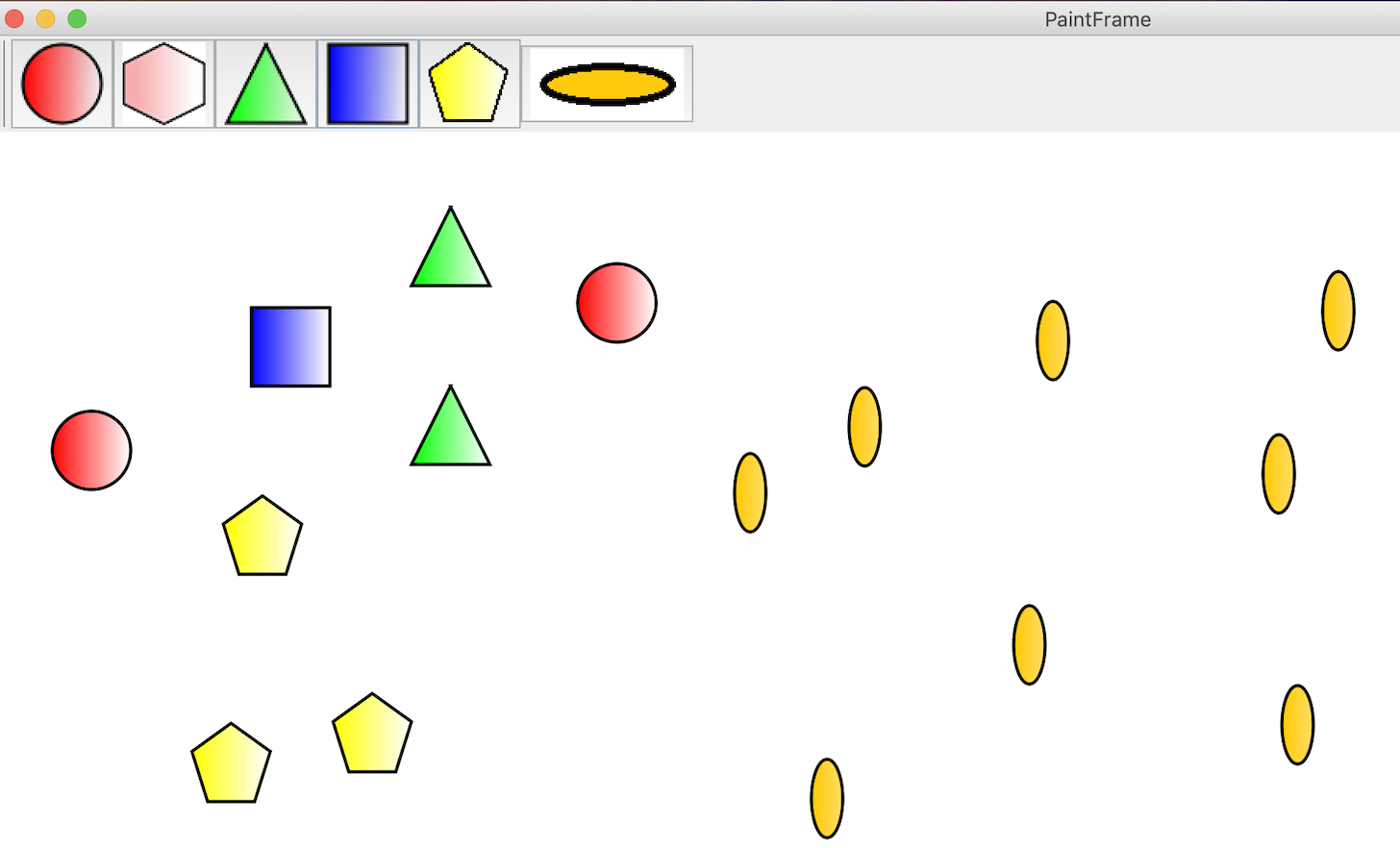
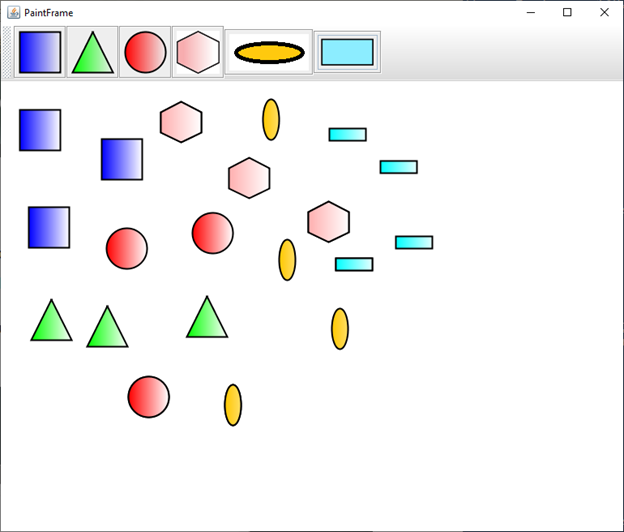
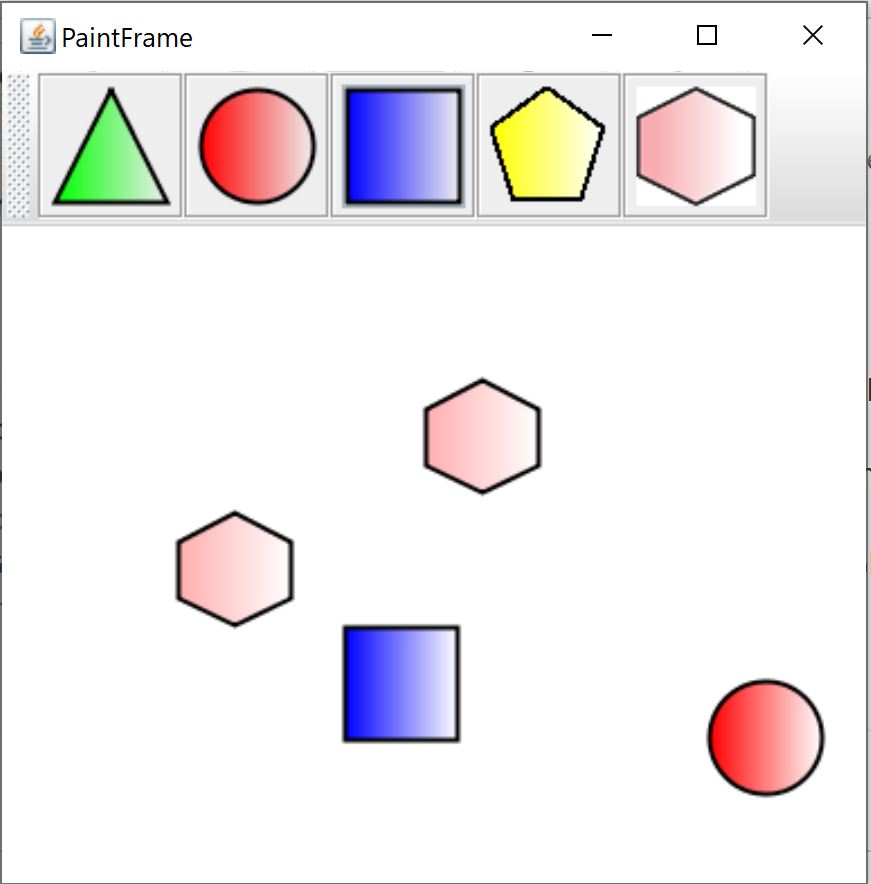
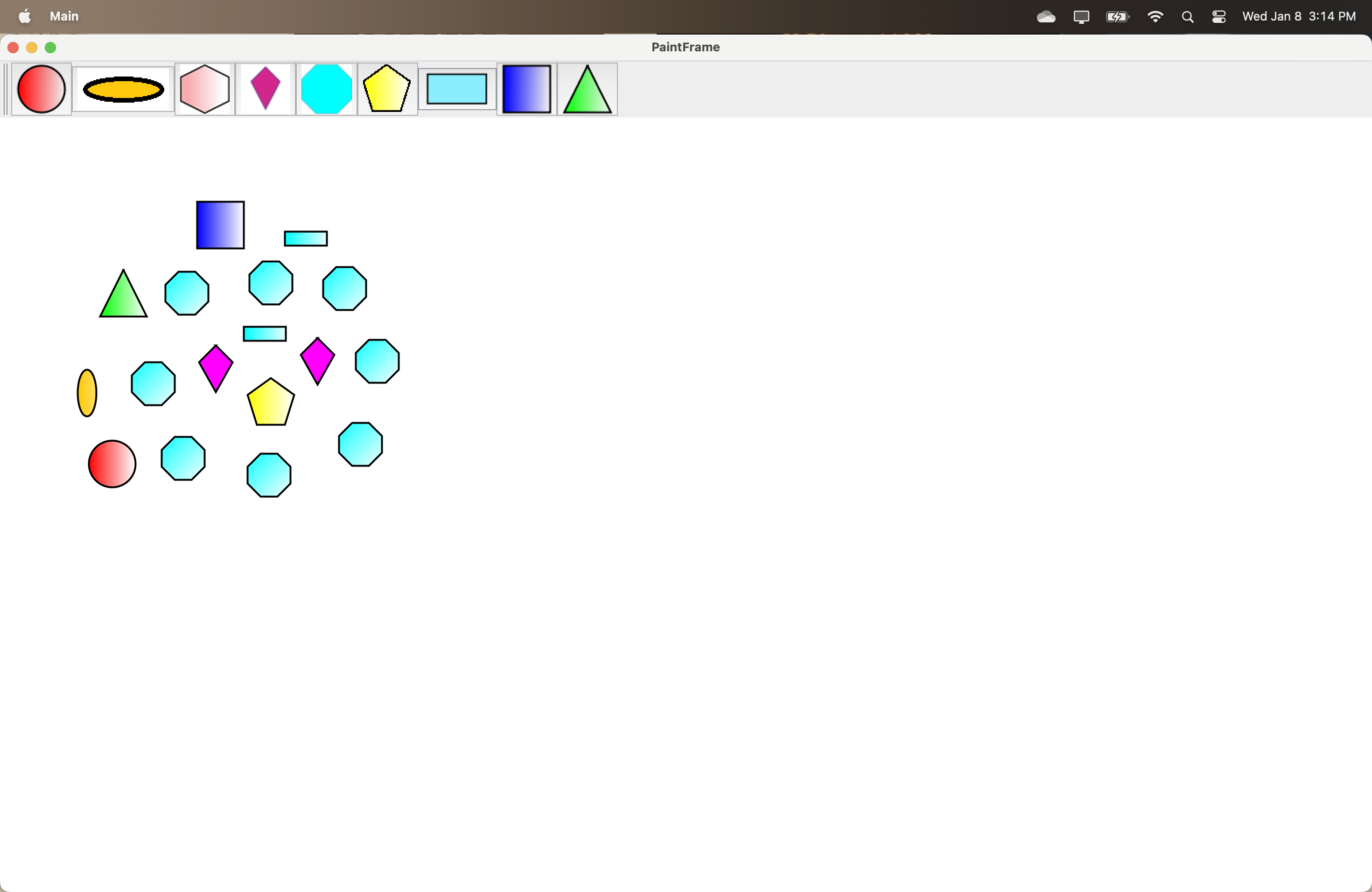
Attached screenshot of octagon shape implementation.
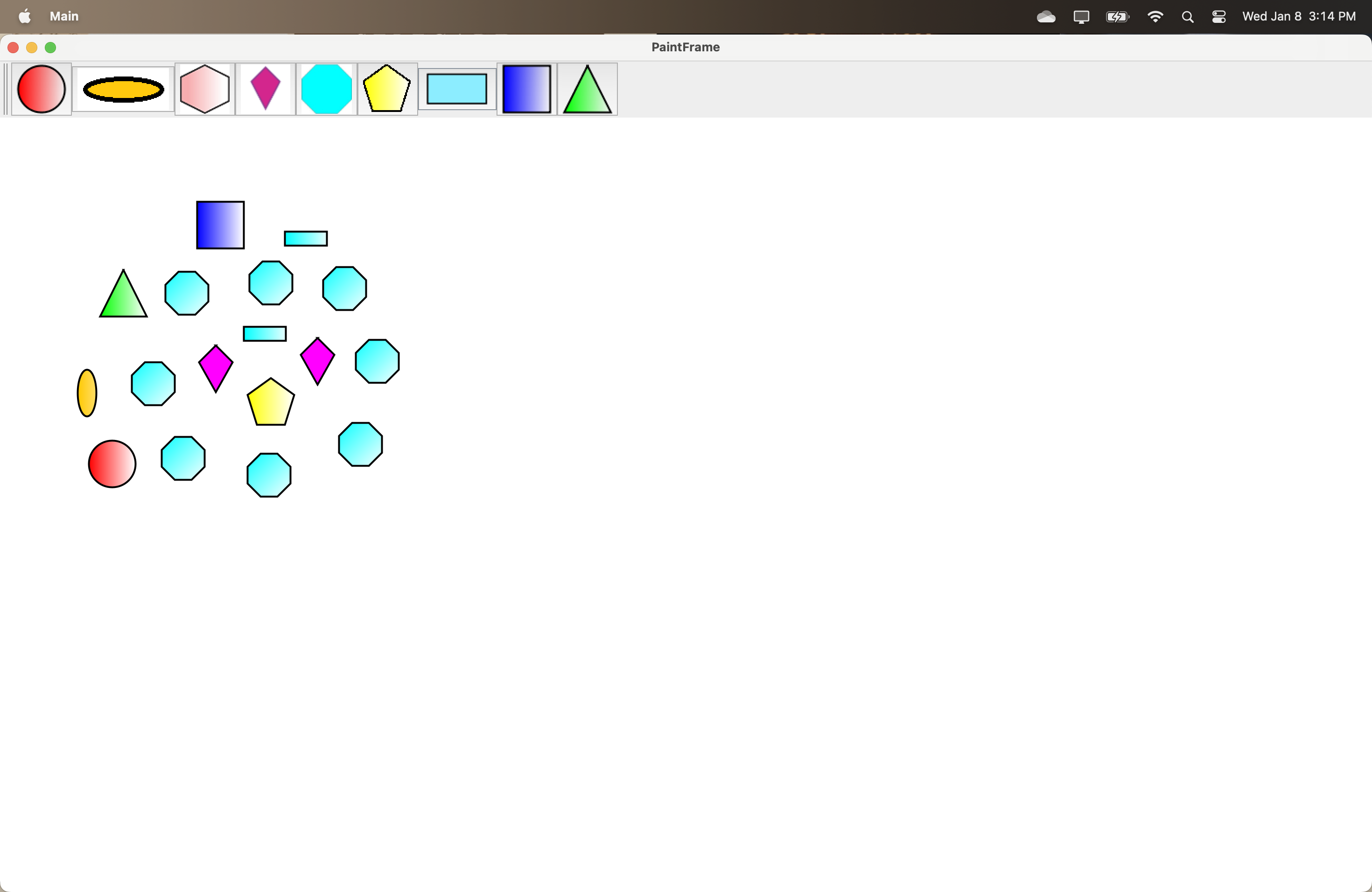
Testing instructions can be found in the comments of this same ticket
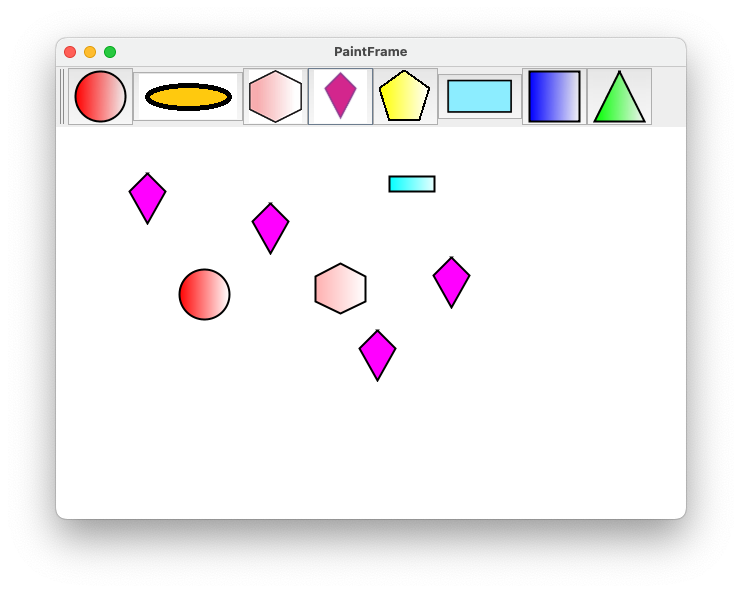
Successfully tested Deepthi's code.
I am able to run the application and draw Octagon shape.
Please find the attached screenshot for validation.
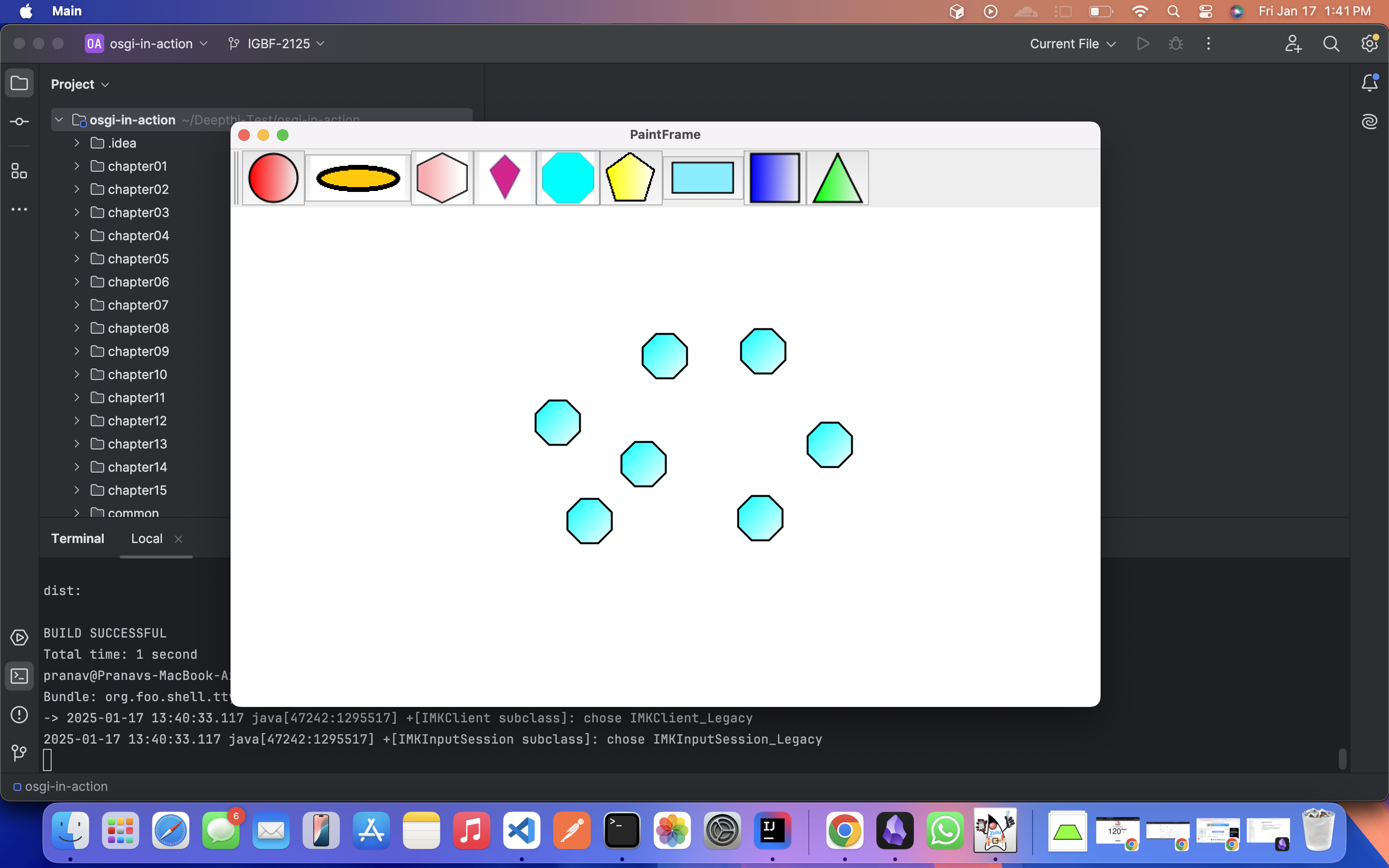
PR is merged. Ready for testing.
Tested the changes after merging and successfully drew developed and other shapes in the paint frame.
Marking this as done.
Completed Task 1 , Task 2.
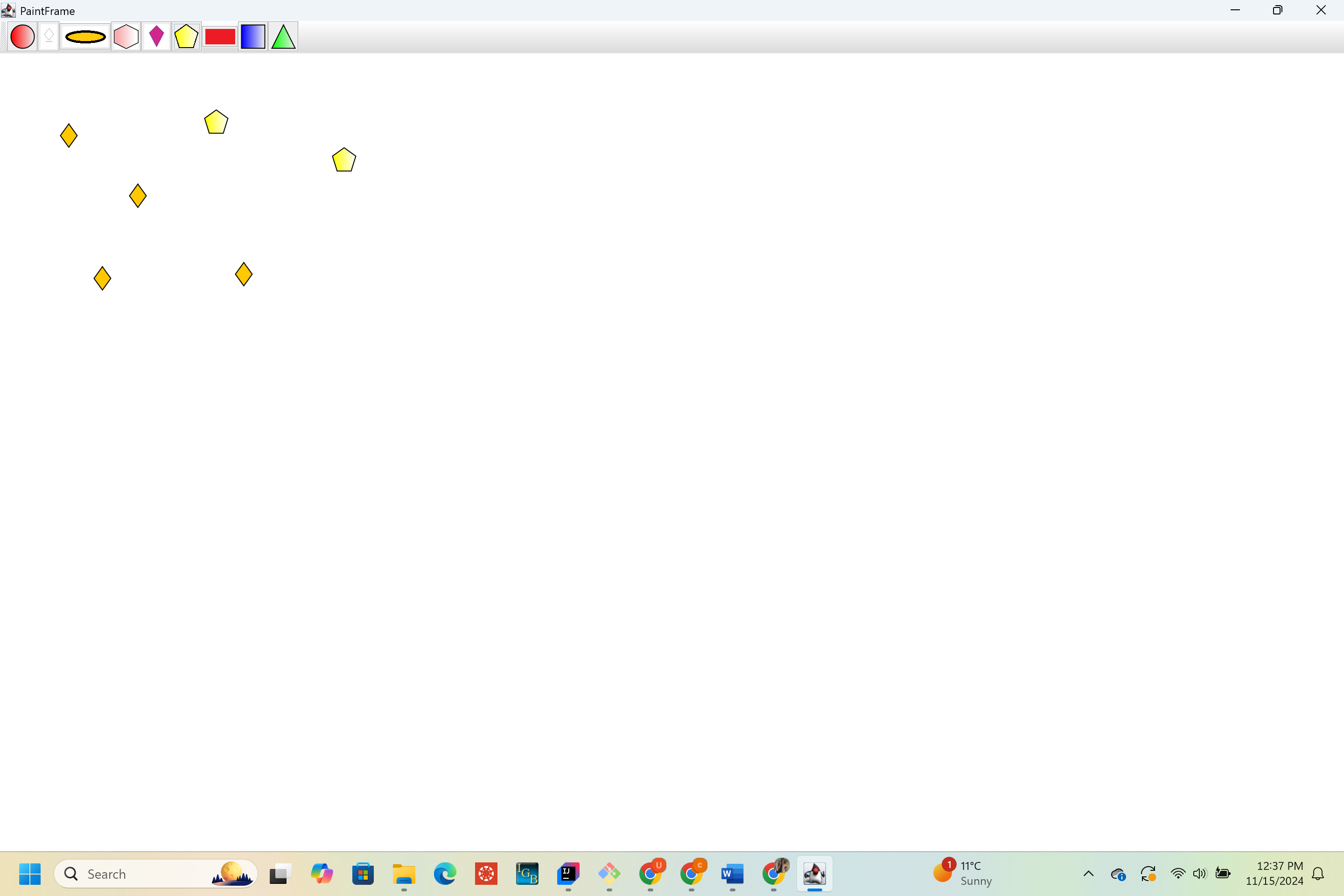
1. Implemented a new Pentagon shape in Paint frame and used remote shell given in Chapter 3.
2. Used Karaf shell to deploy Bundles , went through the life cycle followed by bundles in Karaf shell.
Used auto deployment feature in Karaf shell to deploy the bundles easily.
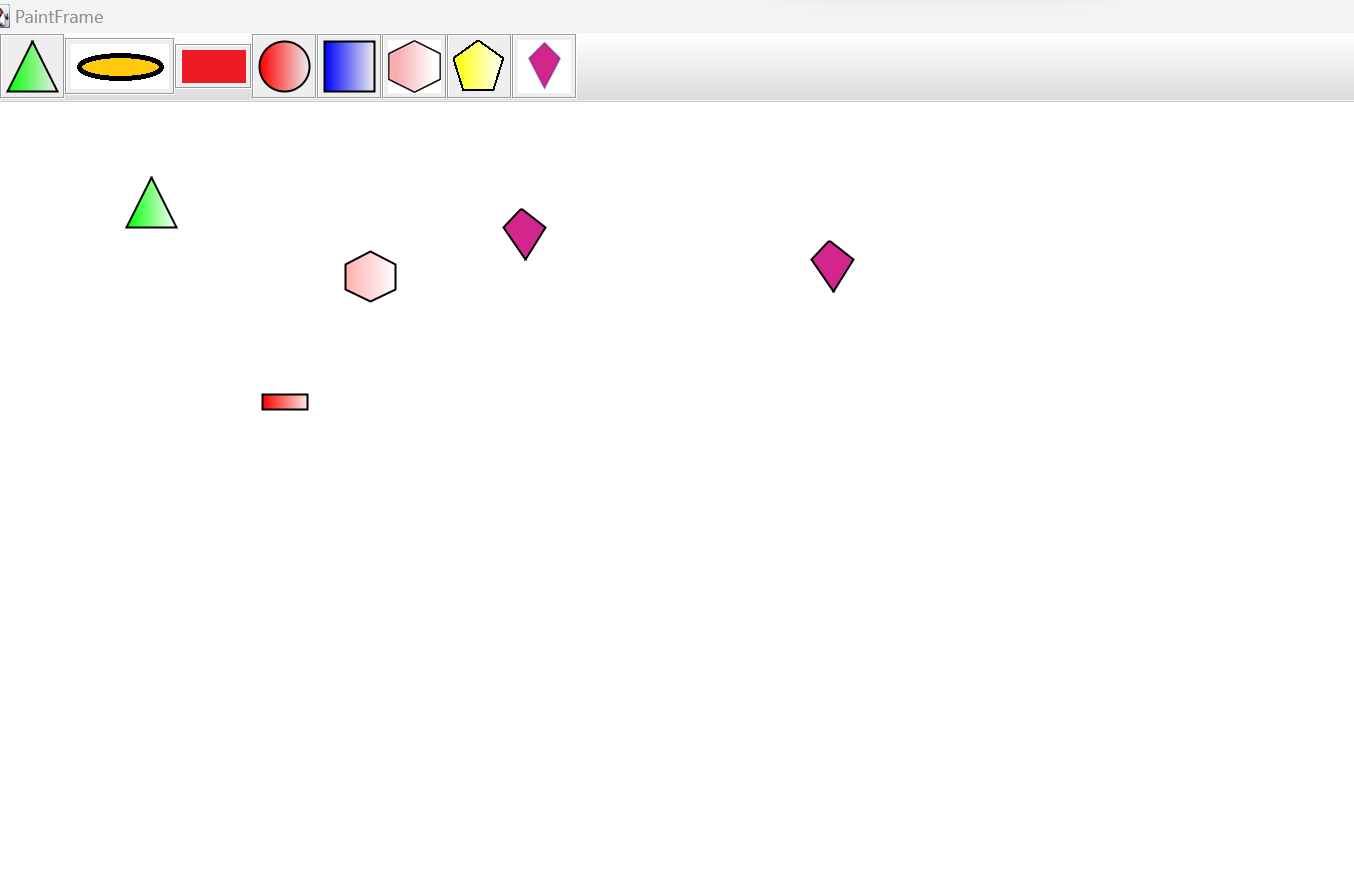
Attached screenshots for reference.
Submitted a Pull request : https://bitbucket.org/lorainelab/osgi-in-action/pull-requests/1/igbf-2125/diff