Details
-
Type:
Task
-
Status: Closed (View Workflow)
-
Priority:
 Major
Major
-
Resolution: Done
-
Affects Version/s: None
-
Fix Version/s: None
-
Labels:None
-
Story Points:1
-
Epic Link:
-
Sprint:Fall 6 2022 Nov 7
Description
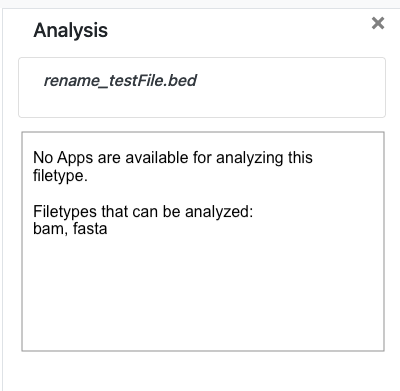
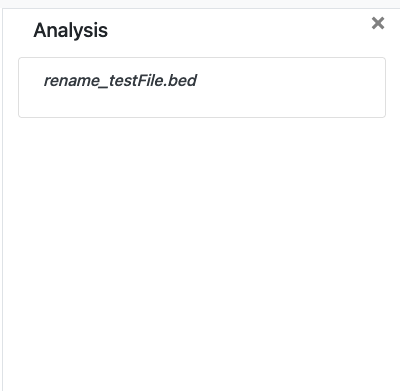
Situation: When a user right clicks and selects Analyse for a filetype that does not have any associated App, the user is only shown the file name in the Analysis right panel. This may be confusing to users.
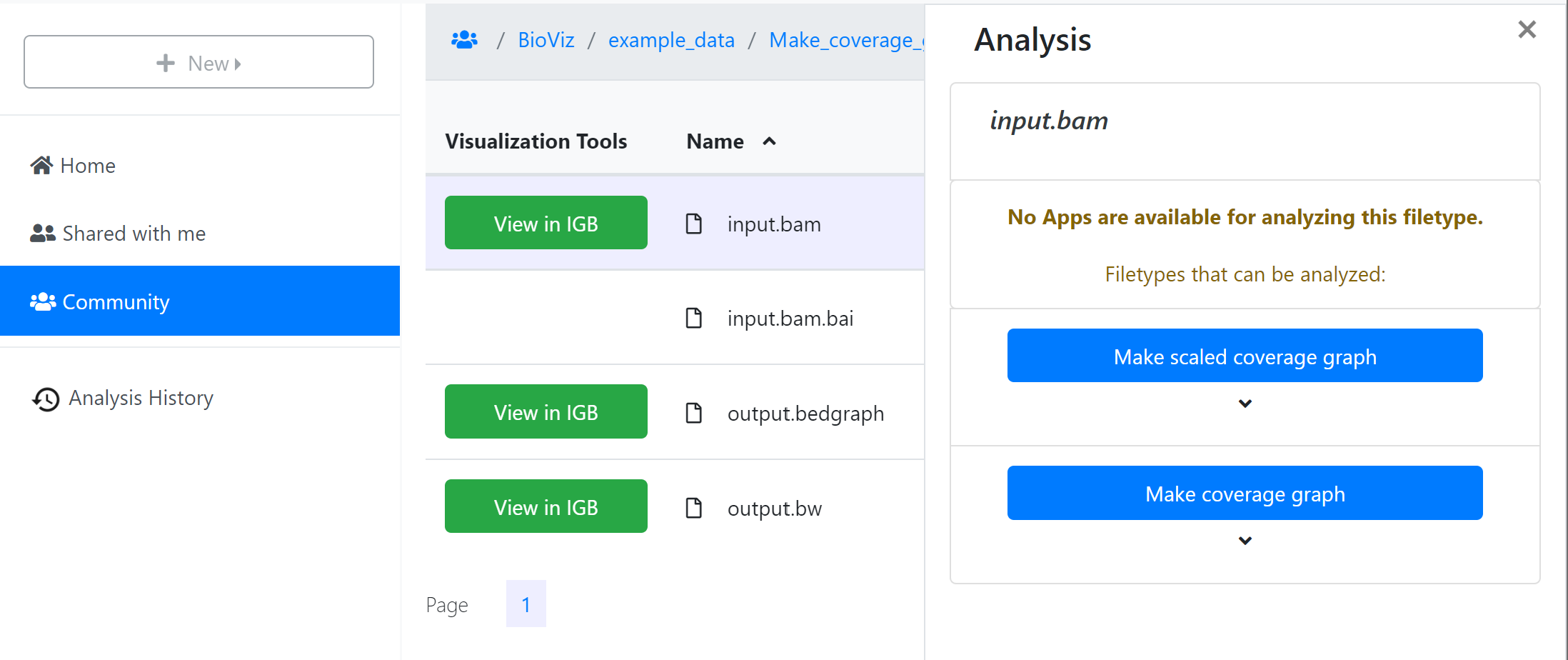
Task: If no App is available for analysing the selected file type, show the user text in the Analysis right panel that tells the user what filetypes can be analysed. The accepted Analysis file types are kept in the database and are updated when we run the sync apps database endpoint.
Attachments
Issue Links
- relates to
-
-
- Closed
-