Details
-
Type:
Task
-
Status: Closed (View Workflow)
-
Priority:
 Blocker
-
Resolution: Done
-
Affects Version/s: None
-
Fix Version/s: None
-
Labels:None
-
Story Points:2
-
Epic Link:
-
Sprint:Spring 3, Spring 4, Spring 5
Description
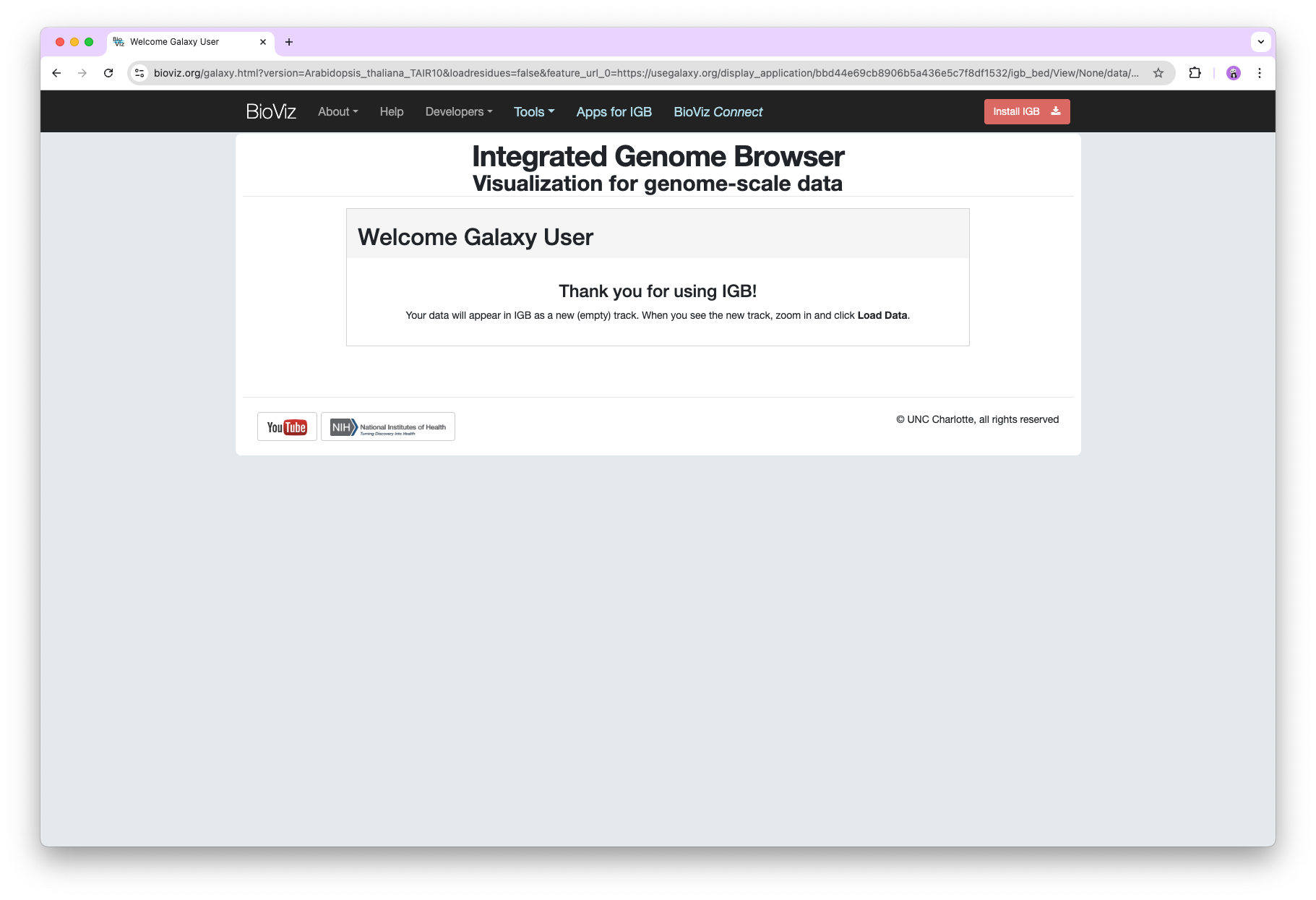
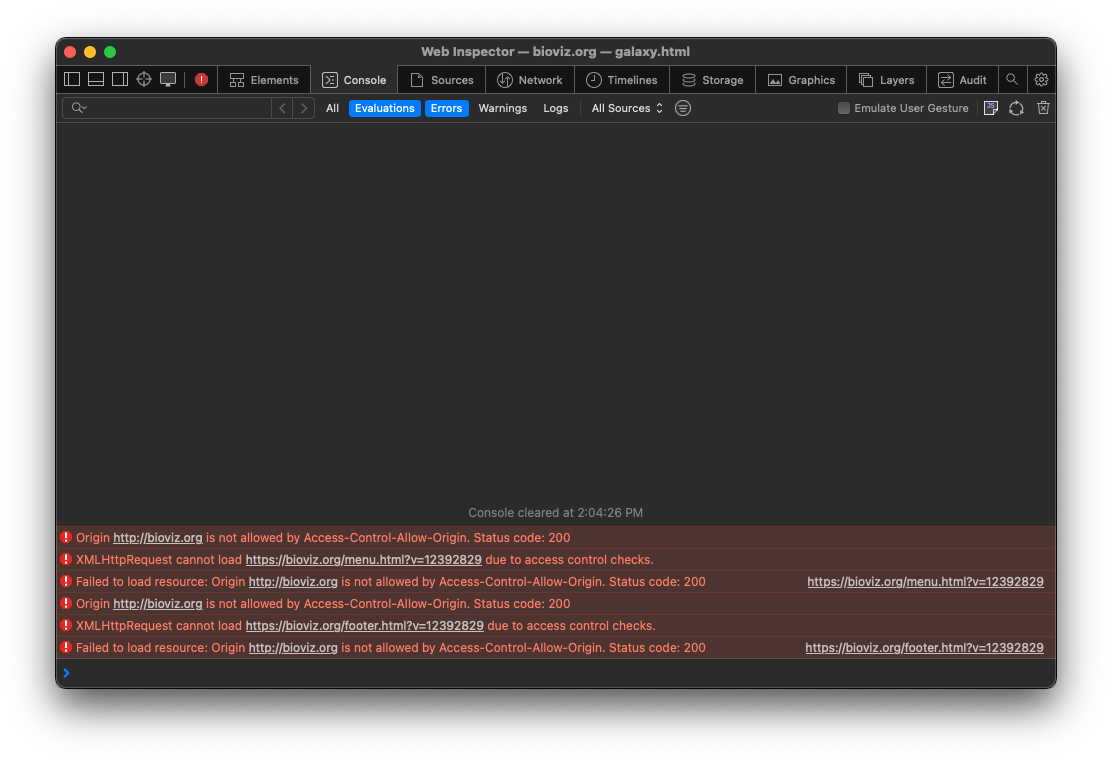
Navigation bar is not visible in Safari when directed to Bioviz from Galaxy following the below steps:
- Go to https://usegalaxy.org
- Click Data > Histories.
- Click Public Histories.
- Where it says "search histories", type: Open Galaxy files in Integrated Genome Browser
- Click on the search result, then click View.
- Click one of the file formats to be opened in IGB via the View in IGB link.
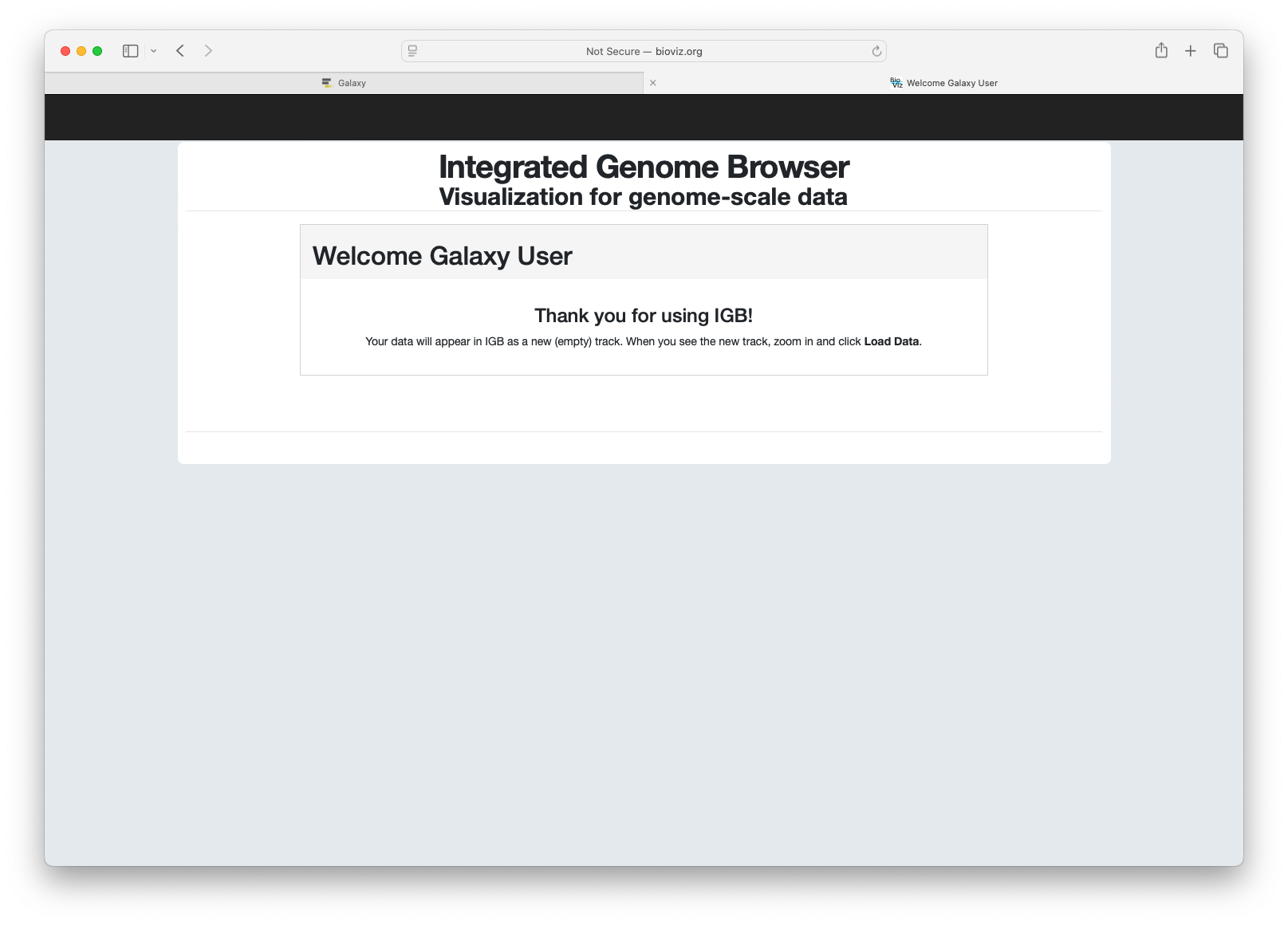
- Observe that the Nav bar and footer aren't visible. Try the same in Chrome and observe that they are visible.
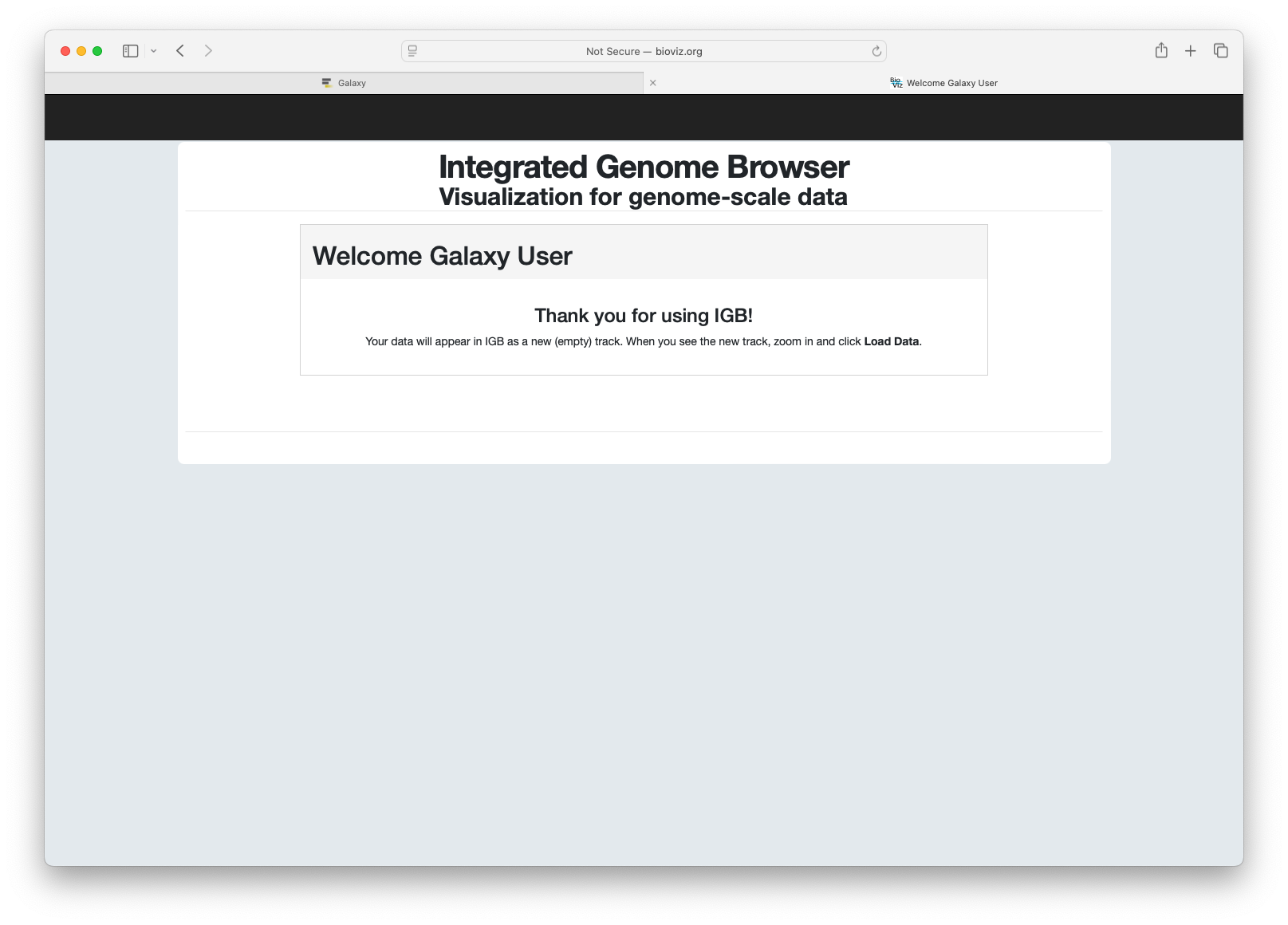
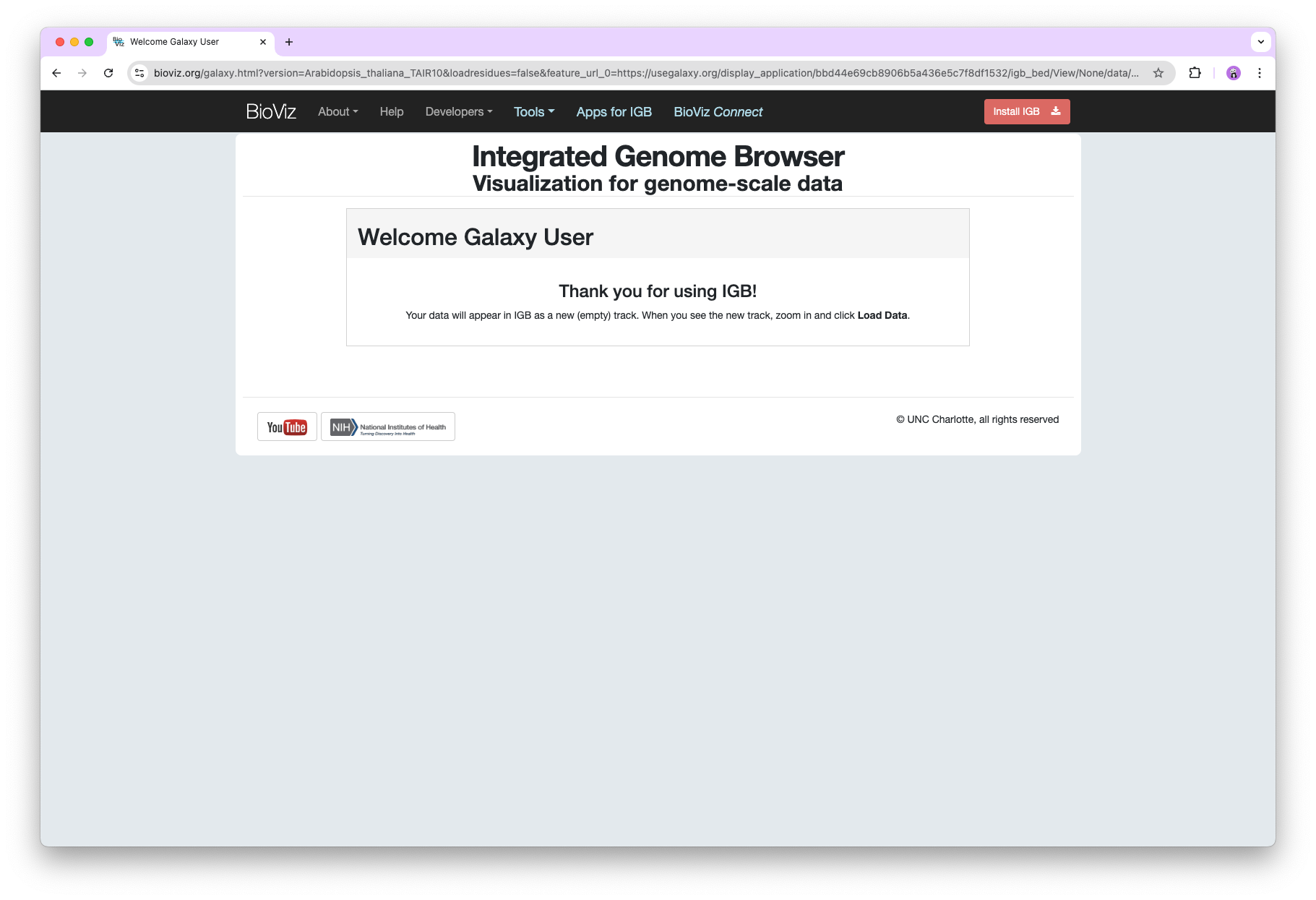
I also observed that when we change the URL to HTTPS it is visible but not able to communicate with IGB to check the status of IGB. Investigate this issue and try to fix it.
Attachments
Issue Links

Activity
New content is now deployed to bioviz.org. Ready for testing.
PR is merged.
I don't see any problems with this change and I can see how it could correct the problem. Please submit PR when ready.
Detailed instructions for opening Galaxy History files in IGB can be found in our GTN tutorial: https://training.galaxyproject.org/training-material/faqs/galaxy/visualisations_igb.html
Tested on Mac using Safari web browser, the nav bar (+ support banner) and footer are now visible on the Galaxy bridge page. All elements on the nav bar and footer are clickable and working correctly. Closing this ticket!